Peripheral Management
R2026bApply the block settings and hardware configuration parameters before communicating with the target hardware.
Blocks
 | Analog To Digital Converter | Convert analog signal on ADC input pin to digital signal (Since R2026a) |
 | Analog to Digital Converter (r_adc) | Convert analog signal to digital value using r_adc ADC peripheral (Since R2026b) |
 | Digital Port Pins Read | Read logical states from group of pins/channels on a specified port (Since R2026a) |
 | Digital Port Pins Write | Write logical states to pins on a port (Since R2026a) |
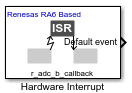 | Hardware Interrupt | Trigger function-call subsystems in response to hardware interrupt events (Since R2026a) |
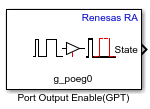 | Port Output Enable (GPT) | Control Port Output Enable (POEG) functionality for General Purpose Timer (GPT) PWM modules (Since R2026b) |
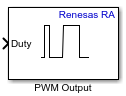 | PWM Output | Generate Pulse Width Modulation (PWM) signals on the specified output pins (Since R2026a) |
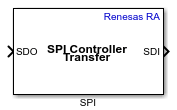 | SPI Controller Transfer | Write data to and read data from an SPI peripheral device (Since R2026b) |
 | Three Phase PWM | Generates synchronized three-phase PWM signals (Since R2026a) |
 | Timer | Implement timer functionality using General Purpose Timer (GPT) or Asynchronous General-Purpose Timer (AGT) peripherals (Since R2026b) |
Model Settings
Topics
- Install Embedded Coder Support Package for Renesas RA Microcontrollers
Follow the steps to install hardware support for modeling Renesas RA Microcontrollers.
- What is Sample Time and How Does it Work?
Concept of sample time and its role in simulations.
Featured Examples
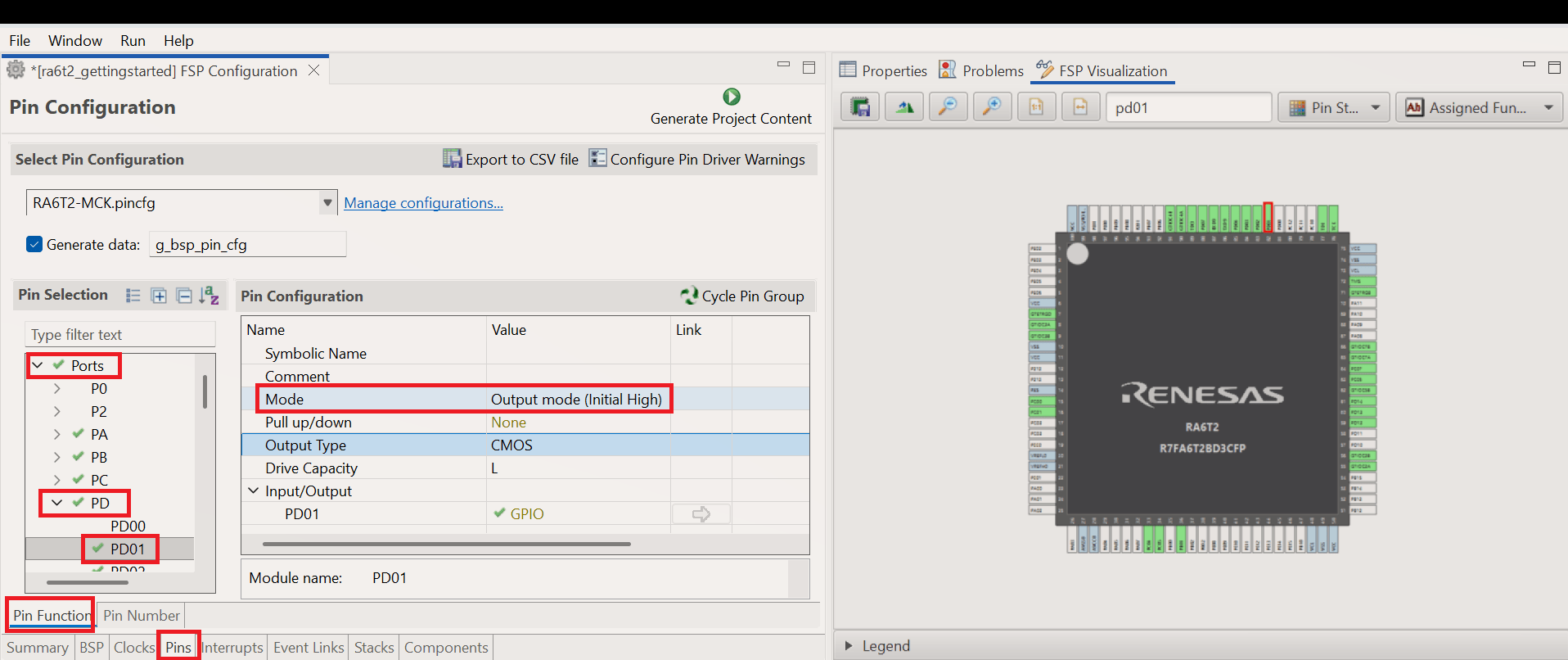
Getting Started with Renesas RA Microcontroller Boards
Use the Embedded Coder ® Support Package for Renesas® RA Microcontrollers to deploy and simulate a Simulink® model on hardware based on Renesas RA microcontrollers. With this support package, you can access hardware peripherals at run time using Simulink® blocks and configure those peripherals through the Renesas RA Smart Configurator tool.
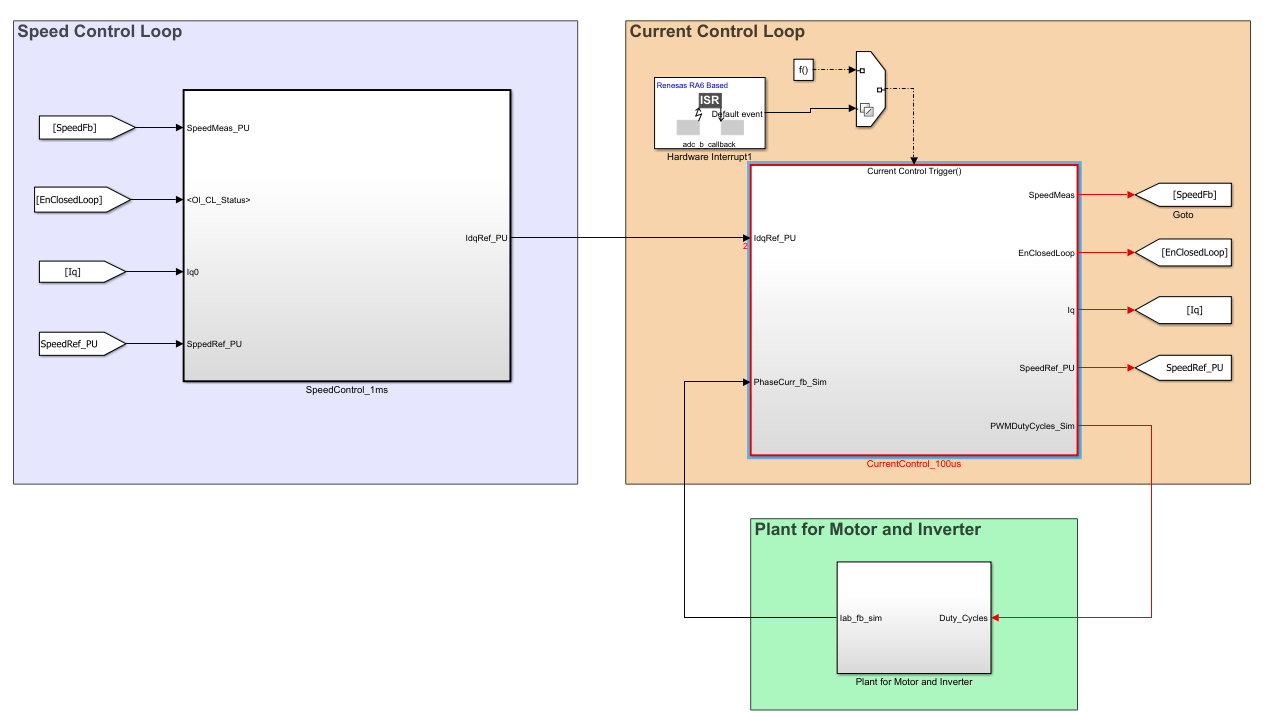
Model-Based BLDC Motor Control on Renesas RA6T2 Microcontroller Using Simulink
Use the Embedded Coder Support Package for Renesas RA Microcontrollers to implement and deploy sensorless Brushless DC (BLDC) motor control on a Renesas RA6T2 Microcontroller using model-based design in Simulink. You will simulate, generate code, and run both open-loop and closed-loop control strategies, leveraging the Renesas Flexible Motor Control Kit and the RA Smart Configurator (RASC) add-on
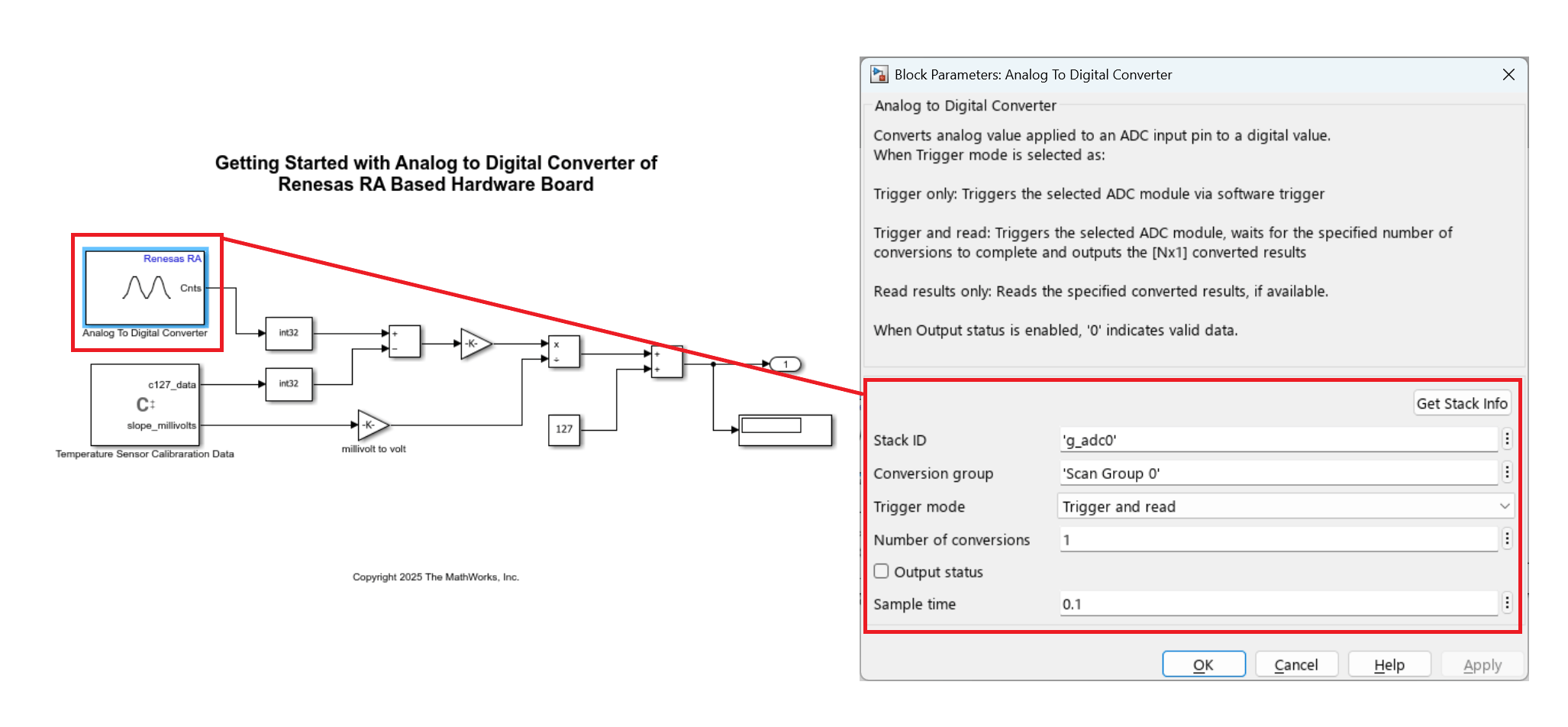
Using Analog to Digital Converter Block with Renesas RA Microcontrollers
Digitize analog signals on Renesas® RA microcontrollers using the Analog to Digital Converter (ADC) block in Simulink® with Embedded Coder® Support Package for Renesas RA Microcontrollers. In this example, you measure the on-chip temperature sensor on a Renesas MCK-RA6T2 board and convert raw ADC values into temperature readings.
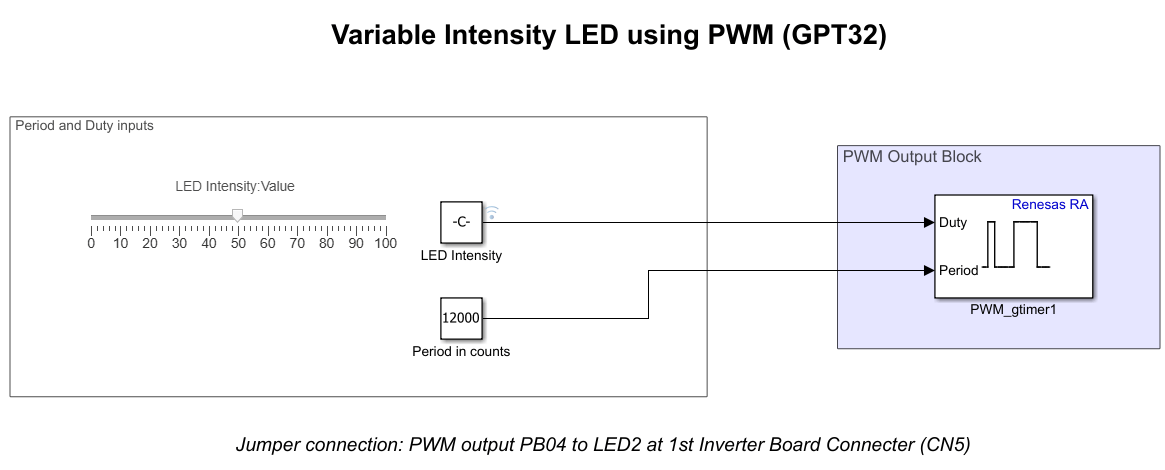
Control Onboard LED Brightness Using PWM Blocks on Renesas RA Microcontrollers
Control the brightness of an onboard LED on a Embedded Coder ® Support Package for Renesas® RA Microcontrollers by varying the duty cycle of a hardware PWM signal generated using the General PWM Timer (GPT). The example demonstrates how duty-cycle modulation directly affects LED intensity and how a Simulink model can be deployed to Renesas RA hardware for real-time execution.
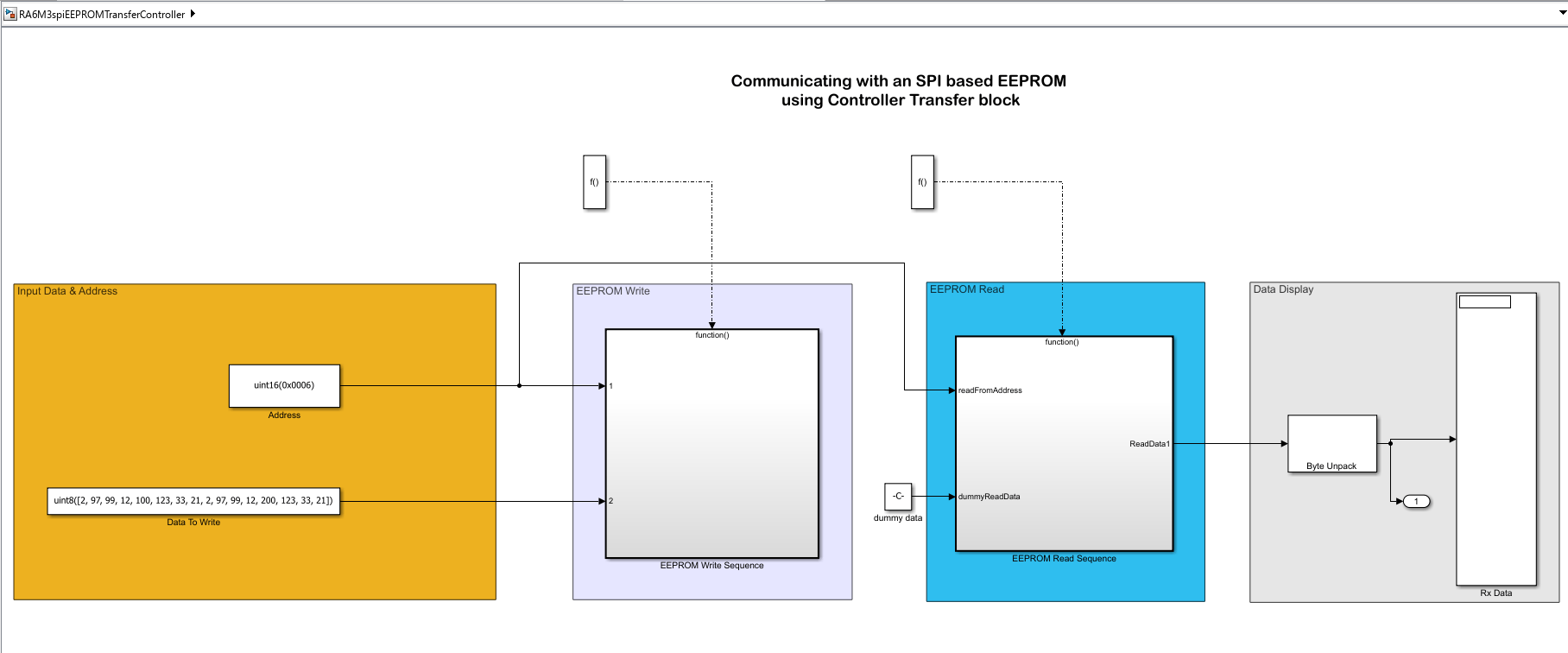
Read and Write EEPROM Using SPI Blocks on Renesas RA Microcontrollers
Communicate with an SPI-based EEPROM using Renesas RA6 microcontrollers in Simulink. The example demonstrates two approaches for implementing SPI communication:
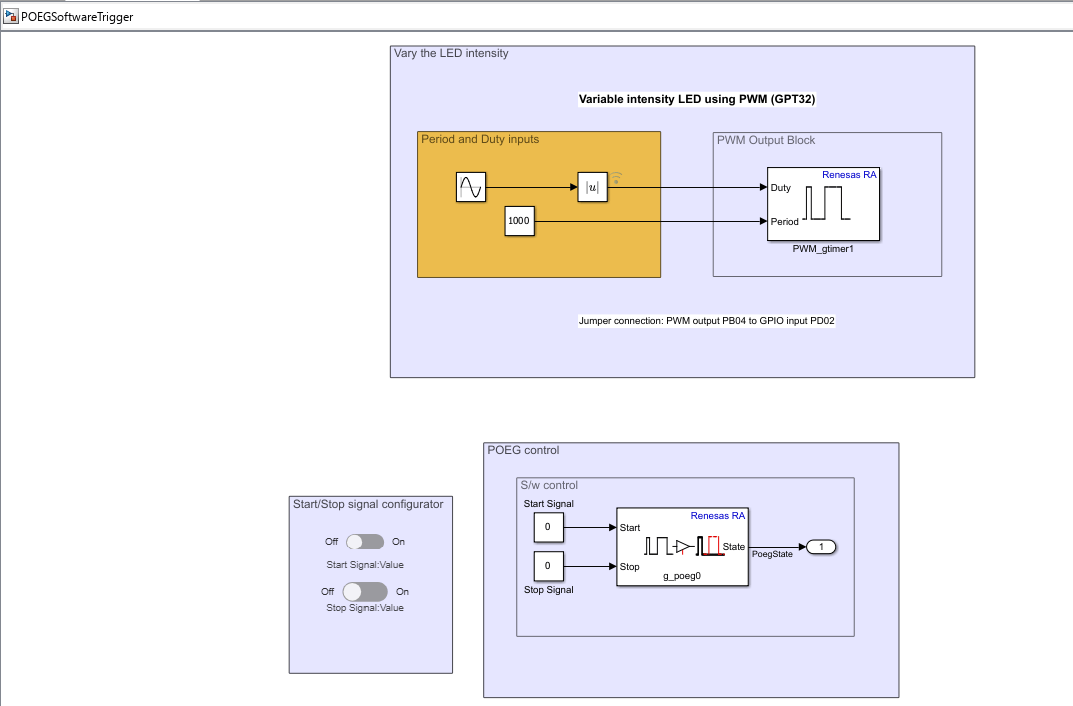
Control PWM Output Using POEG Triggers on Renesas RA Microcontrollers
Use the POEG (Port Output Enable for GPT) feature in the Embedded Coder® Support Package for Renesas® RA Microcontrollers to control PWM output using both software and hardware triggers.
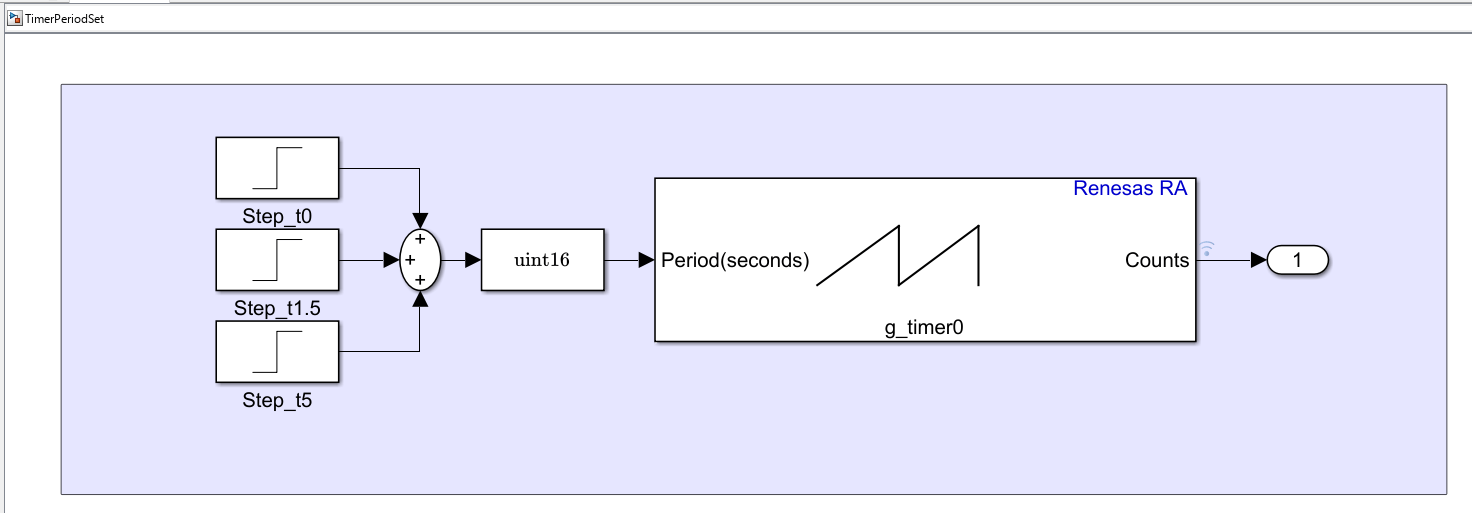
Update Timer Period and Measure Encoder Counts on Renesas RA Microcontrollers
Use timer blocks in the Embedded Coder® Support Package for Renesas RA Microcontrollers to dynamically update the timer period, enable or disable the timer during execution, and reset the timer counter by using the AGT peripheral. It also shows how to update the timer period for the GPT peripheral and observe the counter waveform behavior when period values change at different time instants. Additionally, the example demonstrates how to perform phase counting using an encoder. In this example, you emulate the encoder pulses using two phase-shifted GPIO pulses with the GPT peripheral.
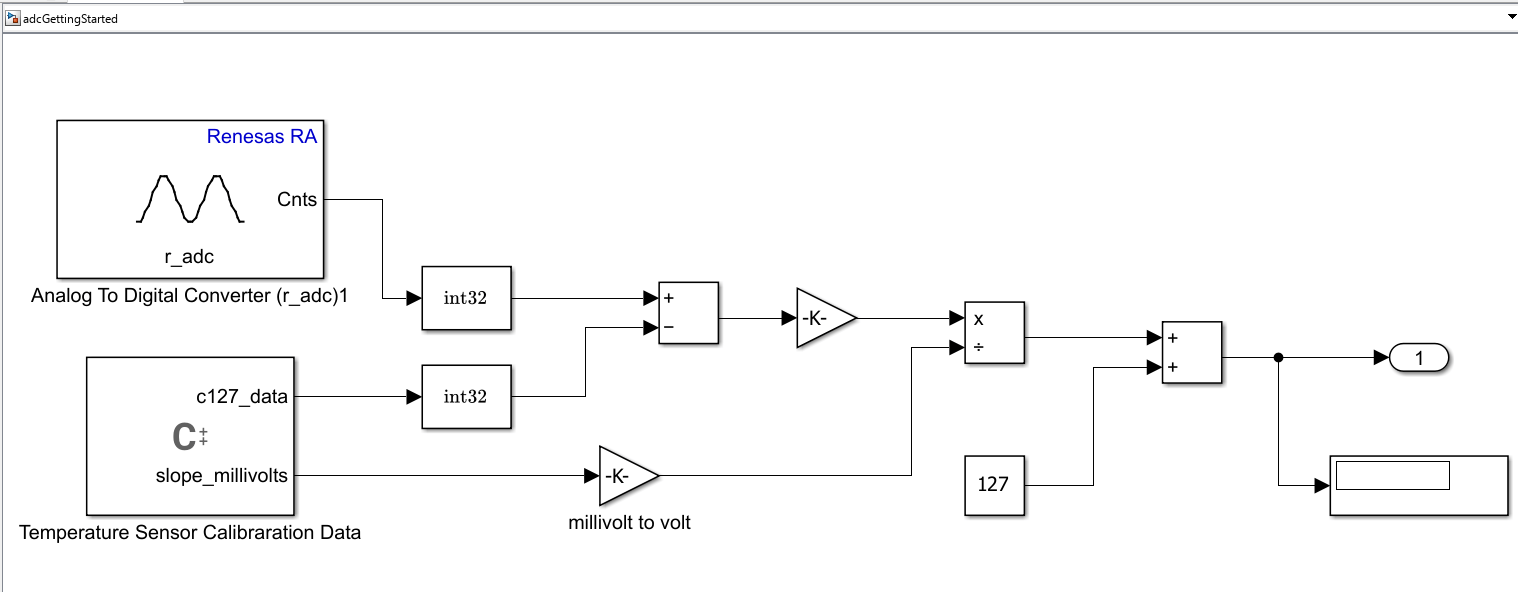
Read ADC Values Using Timer-Triggered Interrupts on Renesas RA Microcontrollers
Use the ADC (Analog-to-Digital Converter) blocks in the Embedded Coder® Support Package for Renesas® RA Microcontrollers to read analog input values using timer-triggered interrupts.

