Communication à interface directe dans Simulink
R2026bInstrument Control Toolbox™ propose des blocs pour communiquer avec des instruments et utiliser des interfaces série, TCP/IP et UDP dans Simulink. Les blocs de la bibliothèque de blocs Instrument Control Toolbox sont répertoriés ci-dessous avec des exemples montrant comment les utiliser.
Blocs
 | Serial Configuration | Configure parameters for serial port |
 | Serial Receive | Receive binary data over serial port |
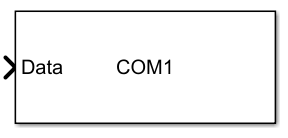 | Serial Send | Send binary data over serial port |
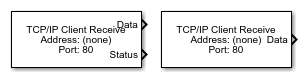 | TCP/IP Receive | Recevoir les données d’une machine distante spécifiée via un réseau TCP/IP |
 | TCP/IP Send | Send data over TCP/IP network to specified remote machine |
 | UDP Receive | Receive data over UDP network from specified remote machine |
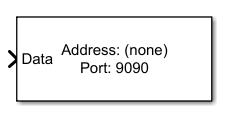 | UDP Send | Send data over UDP network to specified remote machine |
 | VISA | Communicate with VISA resources (depuis R2023b) |
Rubriques
- Open Instrument Control Toolbox Block Library
Access the Instrument Control Toolbox block library in two ways.
- Send and Receive Data over TCP/IP Network
Send data to an echo server using TCP/IP and read that data back into a model.
- Enable Blocking Mode in Receive and Send Blocks
Make your simulation wait while the block receives or sends data.
- Timing dans les modèles d’interface hardware
Déterminer la fréquence d’exécution des blocs par rapport au temps réel.
Sélection d՚exemples
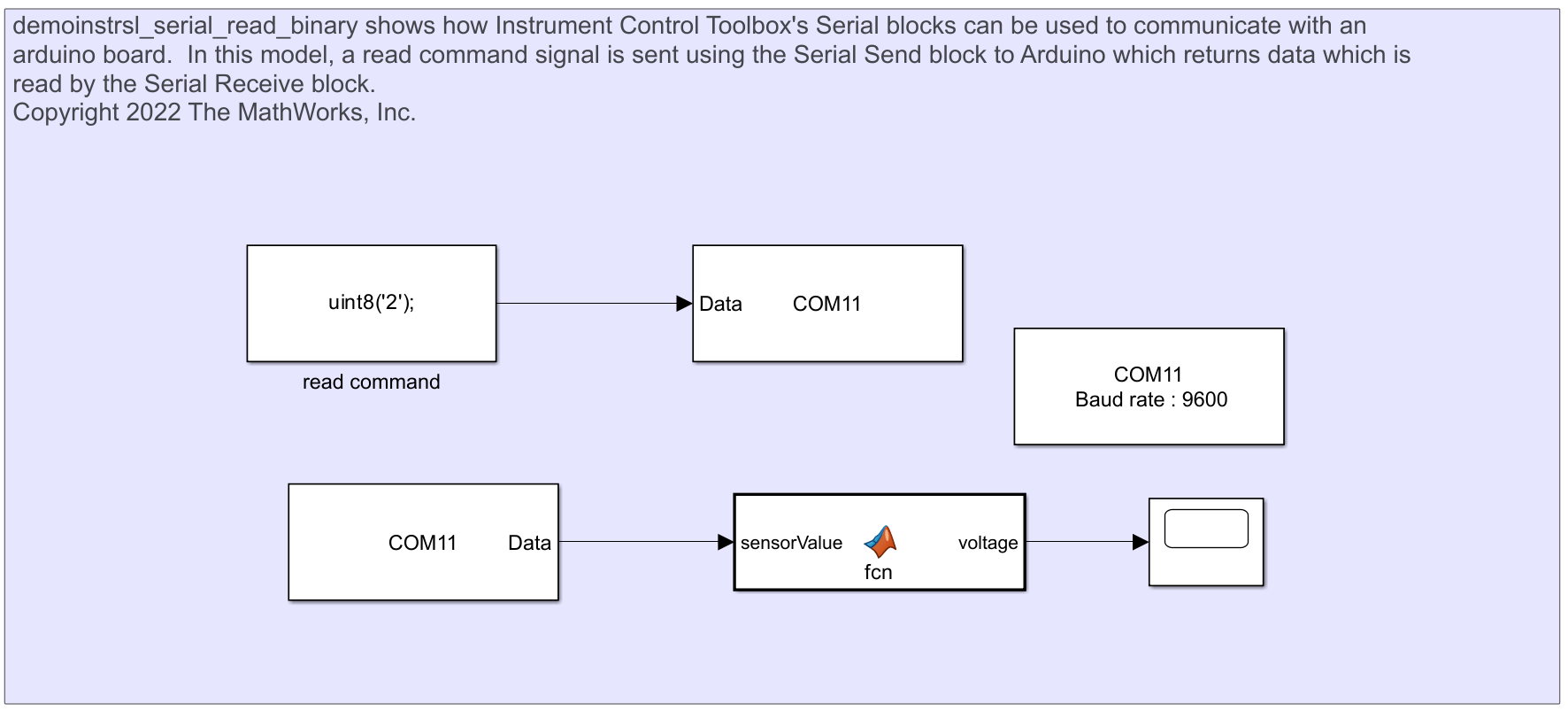
Communicate with Arduino Server Using Serial Blocks
Send a read command to an Arduino using Serial blocks and read data back.
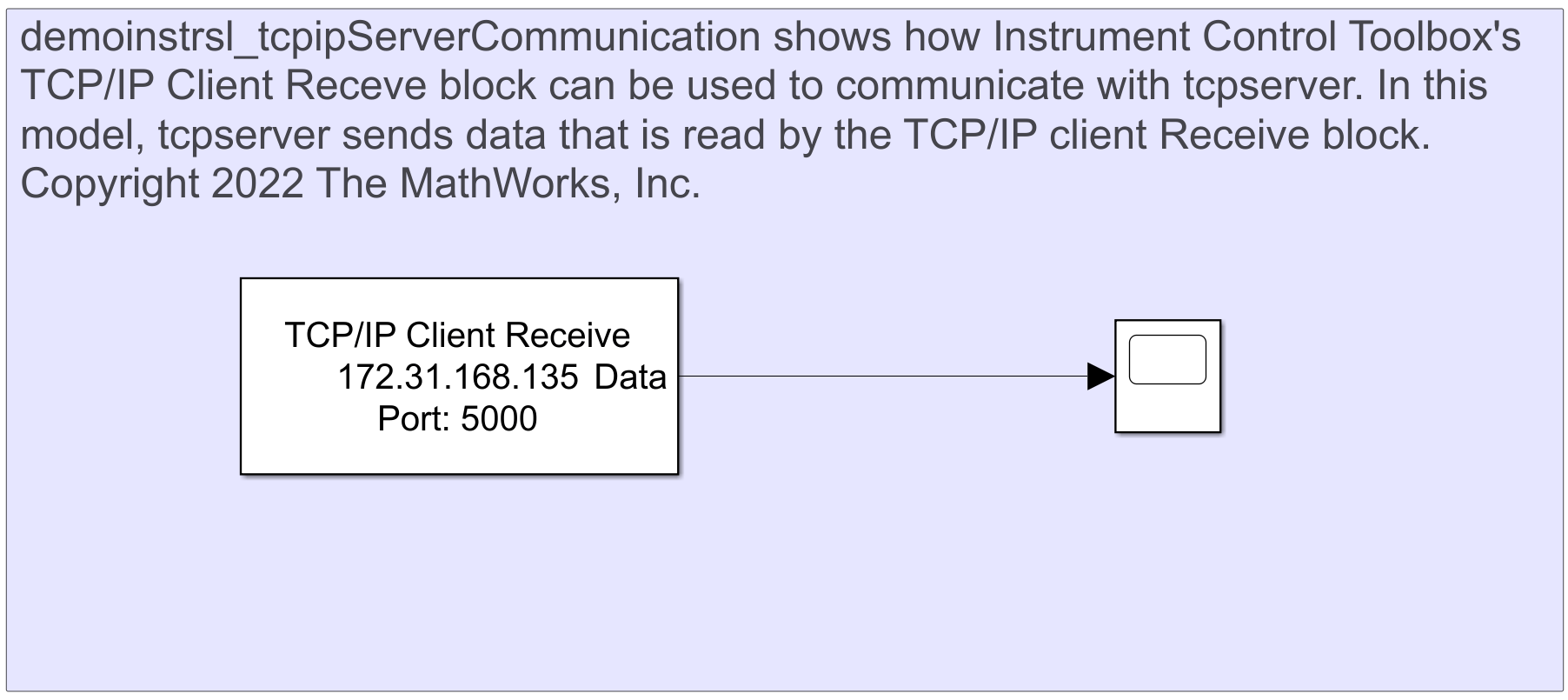
Communicate Between TCP/IP Client Receive Block and TCP/IP Server in MATLAB
Send data over TCP/IP using TCP/IP Client Receive block and TCP/IP server.
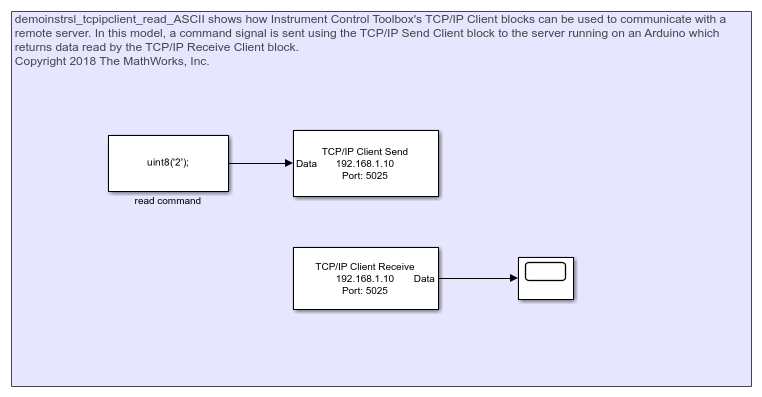
TCP/IP Client Block Communication with Arduino Server
Send data to Arduino server using TCP/IP Send and read it back using TCP/IP Receive.
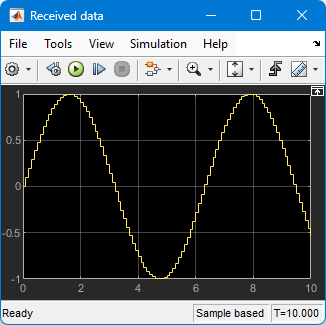
Basic UDP Communication
Transfer data over a UDP network using Simulink®.
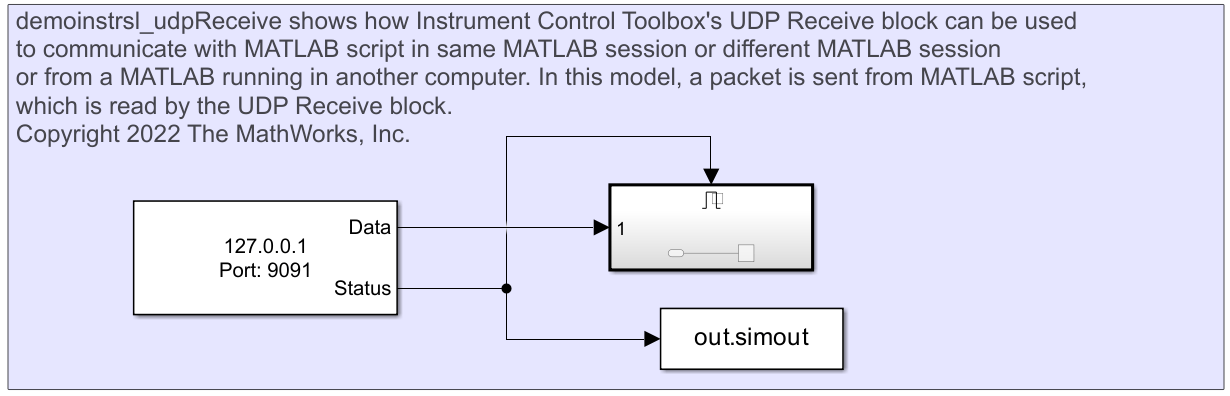
Read Data from MATLAB Using UDP Receive Block
Read data over UDP using the UDP Receive block.
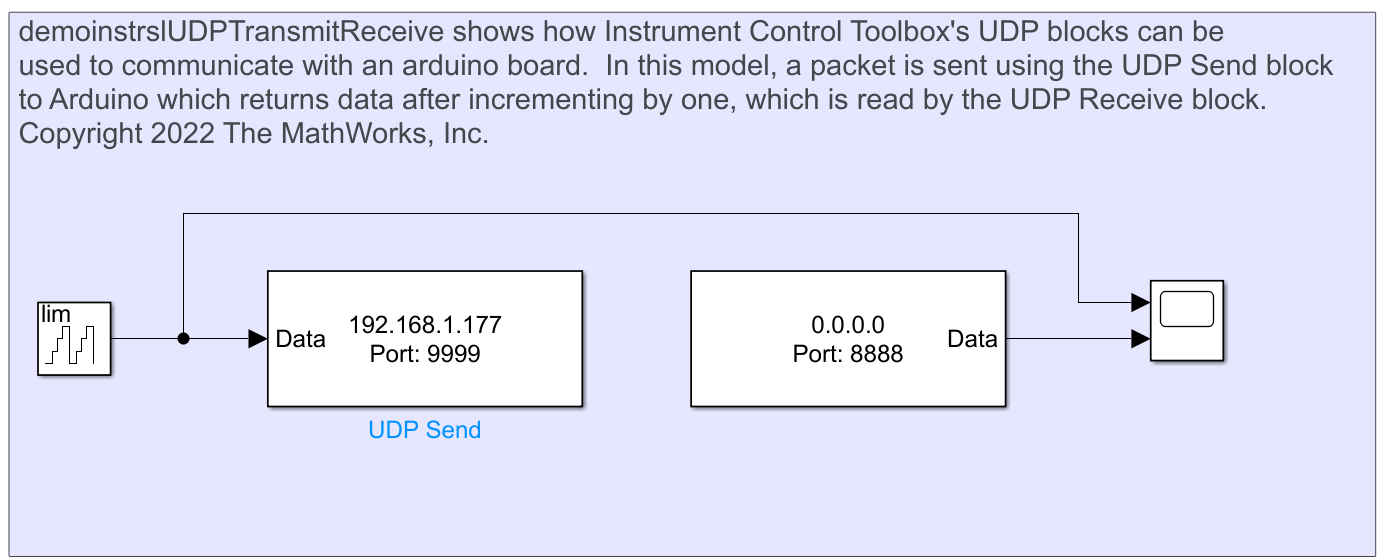
Communicate with Arduino Server Using UDP Blocks
Send data to Arduino server using UDP Send and read it back using UDP Receive.
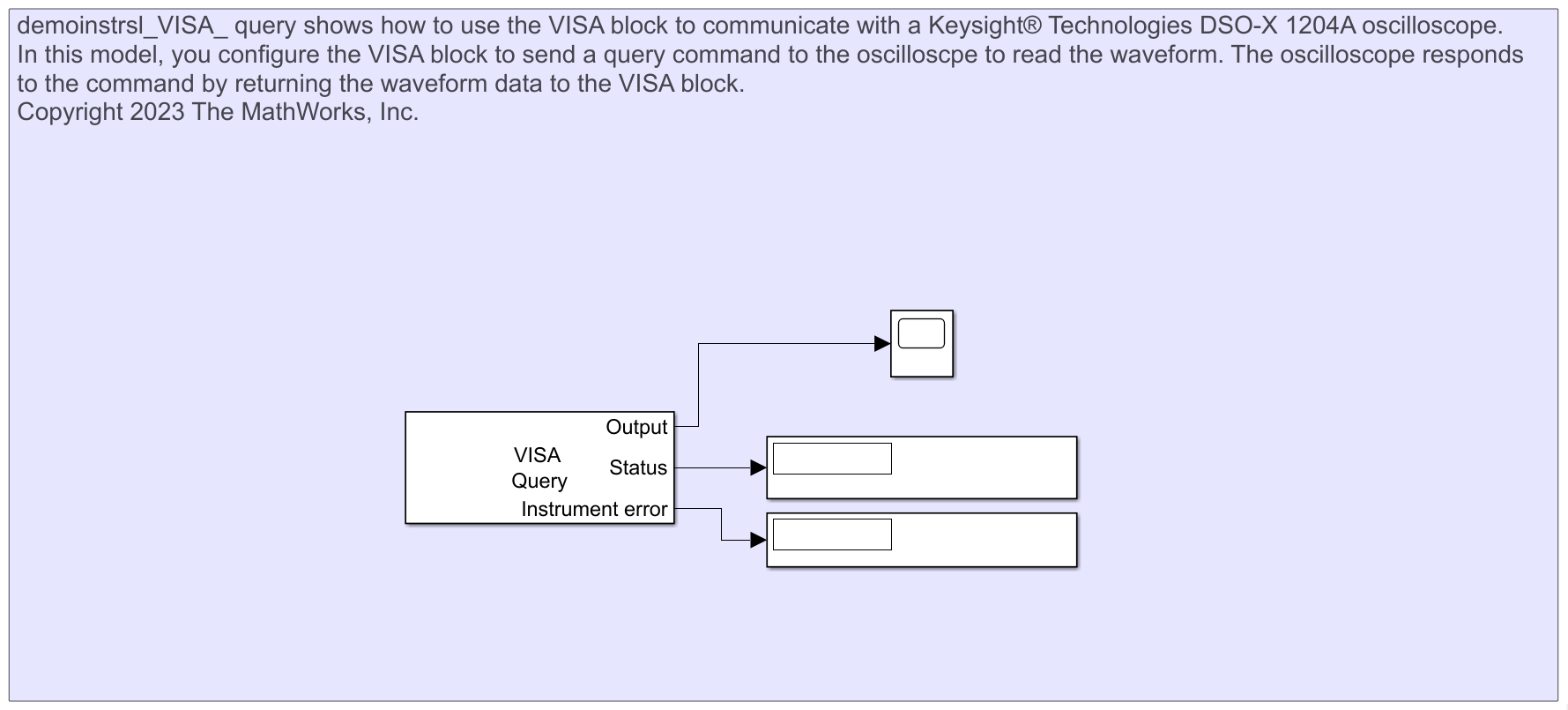
Read Waveform Data from Keysight DSO-X 1204A Oscilloscope Using VISA Block
Use the VISA block to communicate with a Keysight® Technologies DSO-X 1204A oscilloscope.

