Data Preparation
R2026bUse the MBC Model Fitting app to import data from external file formats and utilize plotting tools to gain an initial understanding of data quality. Clean the data by applying filters or performing manual inspection as needed. Finally, organize the data by operating points to prepare it for further analysis. After preprocessing the data, select the data to use for model fitting. See Select Data for Modeling Using the Fit Models Wizard.
Apps
| MBC Model Fitting | Create experimental designs and statistical models for model-based calibration |
Functions
Topics
- Data Preparation Overview
Prepare the test data.
- Import and Merge Data in MBC Model Fitting App
Import and merge data using the MBC Model Fitting app.
- View and Edit Data in the Data Editor
Examine data and design points using the Data Editor. Compare plots, tables, and list views for data visualization and analysis.
- Create Variables and Filters Using the MBC Model Fitting App
Use the Variable Editor to define new variables. Use the Filter Editor to define new filters.
- Define Operating Point Groupings
Use the Define Operating Point Groupings dialog box to define groupings for your data.
- Match Data to Designs
Use the Design Match plot to match design points to data and select data for modeling.
- Data Loading Application Programming Interface
Use the data loading API to write your own data loading function.
Featured Examples
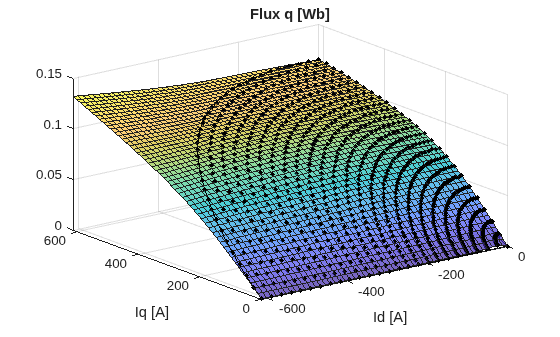
Preprocess Permanent Magnet Synchronous Motor (PMSM) Data and Autogenerate Current Controller Calibration Tables
Permanent magnet synchronous motor (PMSM) data preprocessing.
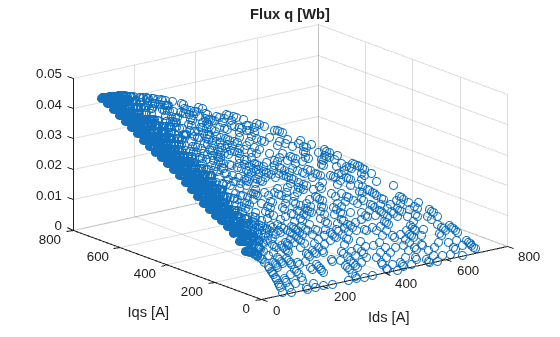
Preprocess Induction Motor Data and Autogenerate Current Controller Calibration Tables
Induction Motor (IM) data preprocessing.
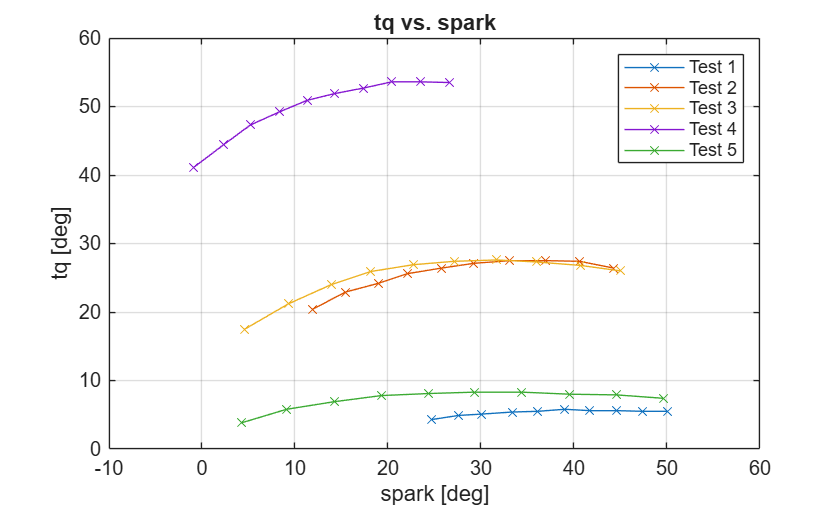
Load and Modify Data
Load and modify data using the command-line interface.

