Getting Started with Model-Based Calibration Optimization Workflow
R2026bThe calibration optimization workflow in the Model-Based Calibration Toolbox™ provides a structured set of tools to develop and analyze nonlinear, multivariate systems to find optimal control and design parameters. This workflow generates calibrations to optimize engine efficiency, electric motor control, and battery management.
The Model-Based Calibration Toolbox offers a systematic workflow for tuning parameters in plant models and control systems, providing faster optimization than manual calibration and producing well‑populated, robust lookup tables that remain reliable across varying design conditions.
The table lists the options available in the MBC Model Fitting app.
| Workflow Step | Button | Purpose | Process | |
|---|---|---|---|---|
| 1 | Design of Experiments Overview | 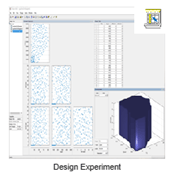 | The Design Experiment tool generates an efficient test plan that you can export and use to collect data from a hardware setup across a range of inputs and outputs. Note This step is not required if you have data that already exists. In this case, start with Data Preparation. |
|
| 2 | Data Preparation Overview |  | Use the Import Data tool to assess the quality of a data set and clean it by removing outliers, excluding data collected when equipment was malfunctioning, filtering out values with excessive error, or discarding data that falls outside defined constraints. |
|
| 3 | Empirical Modeling Overview | 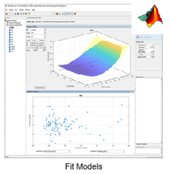 | The Fit Models tool generates a model that you can use to predict responses that have not been sampled yet. |
|
| 4 | Lookup Table Optimization Overview | 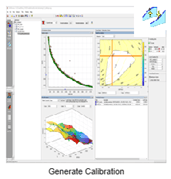 | The Generate Calibration tool opens the MBC Optimization app and CAGE (CAlibration GEneration) browser. Here, you can use the fitted models, user‑defined constraints, and selected solver to optimize the chosen input variables. The resulting optimal values are populated into new lookup tables that can be integrated directly into your control strategy. Together, these tools provide a complete workflow to generate an optimized calibration that you can export to ETAS® or ATI for validation or further refinement on physical hardware. |
|

