ROS Data Analyzer
R2026bVisualize messages from live ROS or ROS 2 topics, bag files, and MCAP files with non-ROS schemas
Since R2023a
Description
The ROS Data Analyzer app allows you to visualize messages from live ROS or ROS 2 topics and bag files. Within the app, you can create multiple viewers to simultaneously visualize different ROS or ROS 2 messages from a live topic or a bag file. Additionally, you can assign a unique tag to any ROS or ROS 2 bag file, serving as an identifier for that file. The app also enables you to bookmark specific events when reviewing messages from a bag file. You can then search any bag file by filtering through tags, bookmarks, or the types of visualizers used, and export this data for further analysis.
The app also supports opening and analyzing MCAP files that contain OMG IDL-based schemas.
You can create an adapter that converts a non-ROS schema message into a ROS 2 message type,
then visualize the data using the corresponding viewer in the app. You can also view
omgidl schema-encoded messages directly using the
Message viewer by opening any MCAP file with OMG IDL-encoded topics,
browsing the available topics, and inspecting message fields and values without converting the
data.
You can open the following viewers using the app, which support the given message types in the table.
Types of Viewer
| Viewer | Viewer Icon | Interface | Description |
|---|---|---|---|
| Image Viewer |
|
|
|
| Point Cloud Viewer |
|
|
|
| Laser Scan Viewer |
|
|
|
| Odometry Viewer |
|
|
|
| XY Plot Viewer |
|
|
|
| Time Plot Viewer |
|
|
|
| Message Viewer |
|
|
|
| Map Viewer |
|
|
|
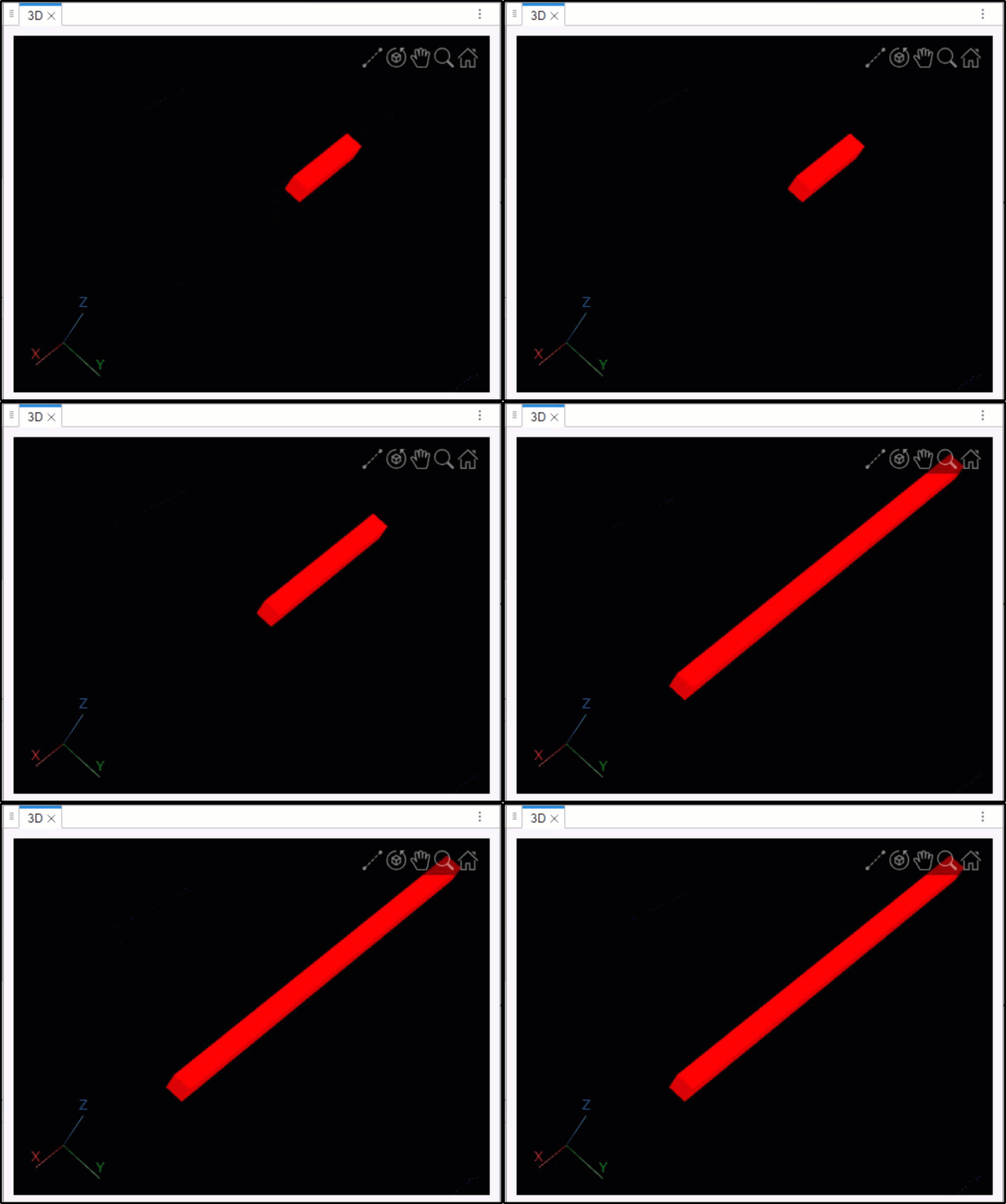
| 3D Viewer |
|
|
|
| Marker Viewer |
|
|
|




For each viewer, you can filter the supported messages in the bag file for visualization. You can fast forward, and rewind based on the message timestamp or elapsed time while playing the bag file. You can also pause, and play the bag frame-by-frame. The app also displays information about the bag file contents after loading the bag file. You can also save a snapshot of the visualization window at any particular instance of time.

Open the ROS Data Analyzer App
MATLAB® Toolstrip: On the Apps tab, under Robotics and Autonomous Systems, click the app icon
 .
.MATLAB command prompt: Enter
rosDataAnalyzer.
Programmatic Use
Version History
Introduced in R2023aSee Also
rosbagwriter | rosbag | rosbagreader | ros2bagwriter | ros2bagreader

