Disable Simulink Copilot
R2026bBy default, Simulink® Copilot is enabled when you have a license and are signed in to your MathWorks Account. You can disable Copilot and hide its features by modifying the Enable Simulink Copilot setting. However, disabling Copilot does not hide the Explain with Simulink Copilot option from the Simulink context menu.
To access and modify the setting, use either of these options:
MATLAB® Toolstrip: On the Home tab, in the Environment section, click
 Settings. Then, in the left pane of the Settings
window, select Simulink Copilot.
Settings. Then, in the left pane of the Settings
window, select Simulink Copilot.MATLAB command prompt: Enter
preferences 'Simulink
                            Copilot'
. Then, in the left pane of the Settings window, select Simulink Copilot.
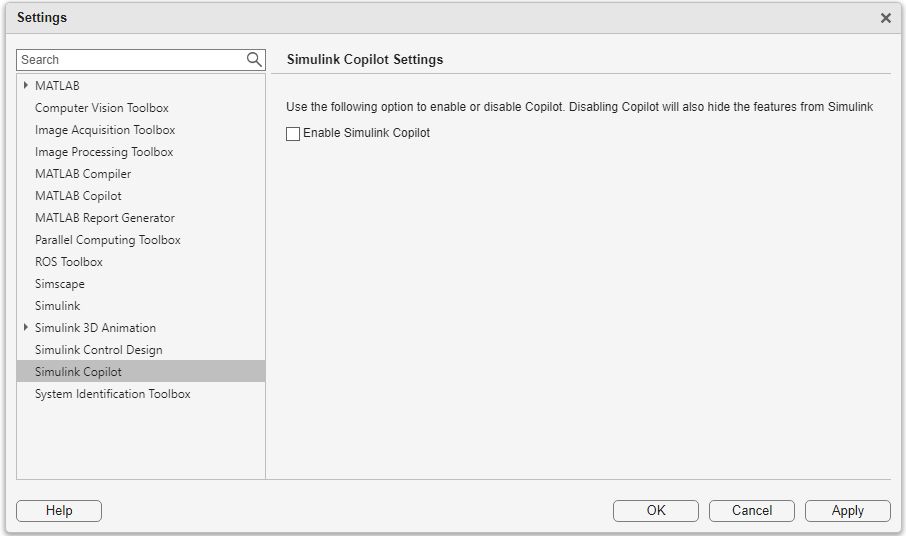
To disable Simulink Copilot, clear the Enable Simulink Copilot check box and click Apply. To re-enable Simulink Copilot, select the check box.

