Applications
R2026bExplore DCA1000EVM and mmWave radar sensor application examples for acquiring and processing raw ADC data.
Featured Examples
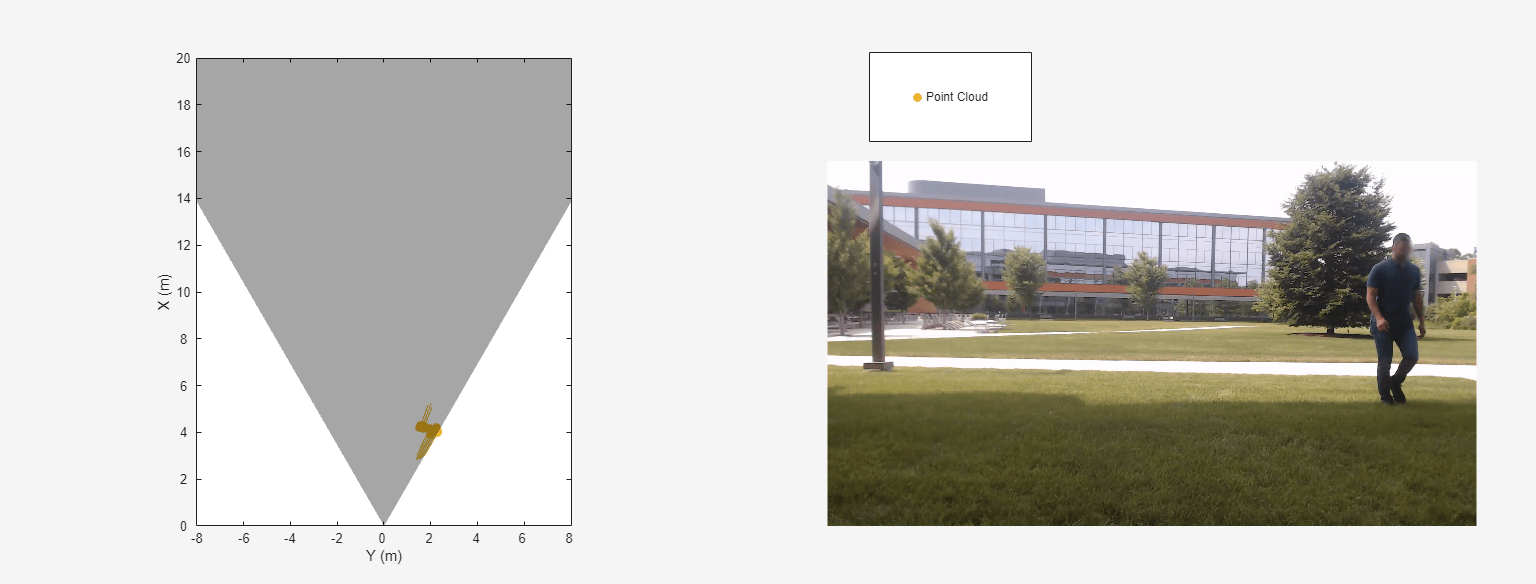
I/Q Data Collection and Detection Generation with Texas Instruments (TI) millimeter-wave (mmWave) Radar
Serves as an introduction to analyzing real-world radar I/Q data captured using the TI mmWave Radar Sensors Hardware Support Package (HSP). With this HSP and lessons from this tutorial, you can develop advanced radar signal processing applications using real-world I/Q data in MATLAB®.
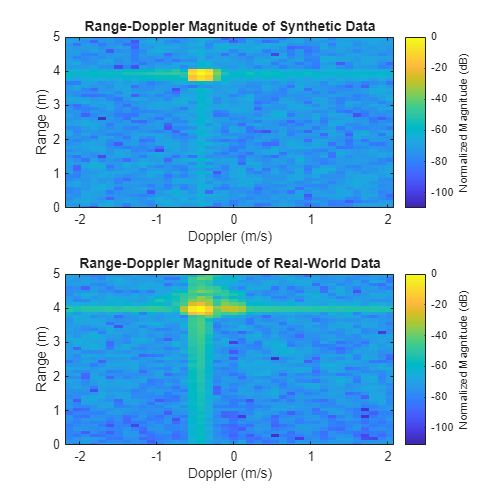
Create a Digital Twin of a TI mmWave Radar
Model a TI mmWave radar using radarTransceiver, simulate time
division multiplexing (TDM) and dechirping, and compare real and synthetic data.
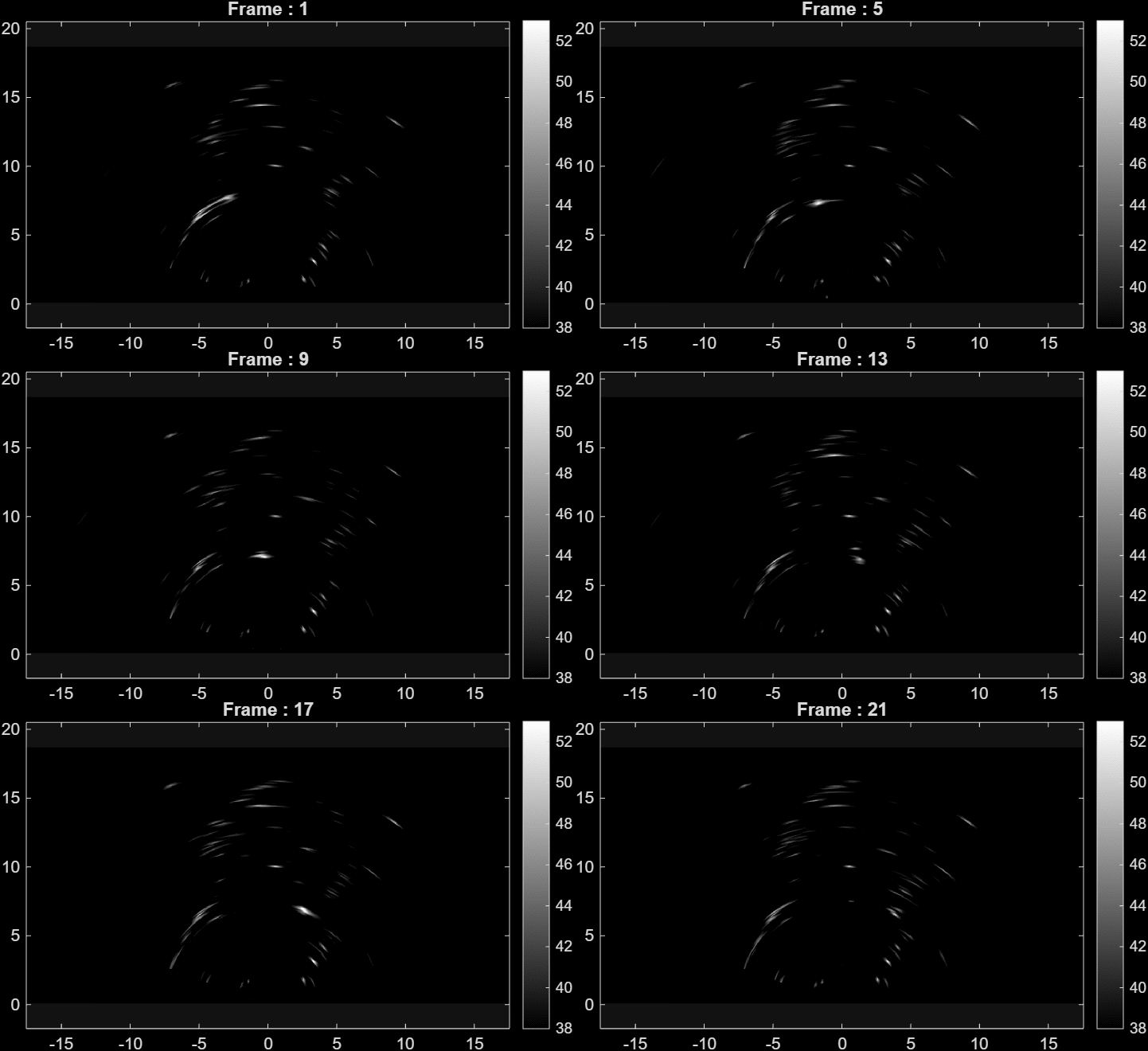
From ADC to AI: A Radar Data Deep Learning Tutorial
Implement a full deep learning workflow for a radar system, including how to process raw ADC data, create a labeled dataset, and train a neural network on radar data.
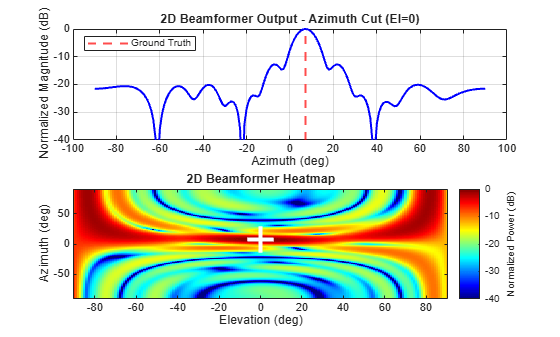
Create a Digital Twin of a TI mmWave Radar Operating in DDM Mode
Create a waveform-level digital twin of a Texas Instruments™ (TI) AWR2944EVM mmWave radar operating in Doppler Division Multiplexing (DDM) mode. A digital twin enables algorithm development, performance evaluation, and what-if analysis without requiring physical hardware or a controlled test environment. The example uses a radar configuration file to configure custom RF cascade components and simulate a DDM MIMO radar with simultaneous transmission from all transmit antennas in MATLAB®.

