IP Core Generation Basics
R2026bWhen you target hardware, you can follow one workflow with two different starting points depending on your goal:
To rapidly prototype an off-the-shelf hardware platform, deploy your HDL algorithm to an FPGA using a pre-existing board and reference design and start the Hardware-Software Co-Design workflow.
For production workflows that target a custom device, create a custom hardware platform, then follow the Hardware-Software Co-Design workflow.
For more details, see Targeting FPGA and SoC Hardware Overview and Hardware-Software Co-Design Workflow for SoC Platforms.
Tools
| IP Core Editor | Configure IP core for target hardware (Since R2023b) |
Classes
hdlcoder.WorkflowConfig | Configure HDL code generation and deployment workflows |
Topics
- Targeting FPGA and SoC Hardware Overview
High-level steps for targeting an FPGA or SoC platform.
- Hardware-Software Co-Design Workflow for SoC Platforms
High-level workflow steps for targeting an SoC platform.
- Comparison of IP Core Generation Techniques (HDL Coder)
Decide how to best generate an IP core for your Simulink design and migrate from the HDL Workflow Advisor to the Simulink toolstrip to generate an IP core. (Since R2023b)
- Comparison of IP Core Deployment and Verification Techniques (HDL Coder)
Decide how to best verify and deploy your IP core and migrate from the HDL Workflow Advisor to the Simulink toolstrip to generate a reference design. (Since R2023b)
- Getting Started with the HDL Workflow Advisor (HDL Coder)
Learn the basics of the HDL Workflow Advisor and how to run various tasks.
- Run HDL Workflow with a Script (HDL Coder)
Export, import, or configure an HDL Workflow CLI command script.
- Workflows in HDL Workflow Advisor (HDL Coder)
Learn about the HDL Workflow Advisor workflows and the platforms you can target.
Featured Examples
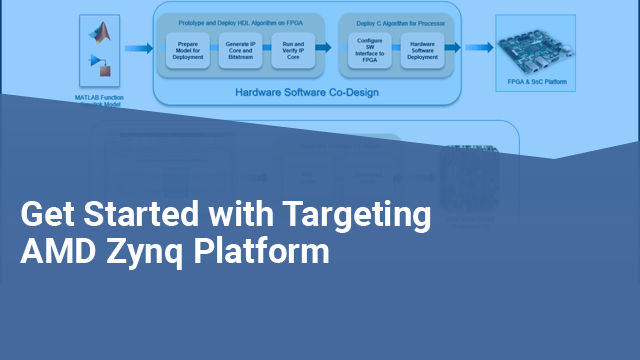
Get Started with IP Core Generation from Simulink Model
Use the hardware-software co-design workflow to blink LEDs at various frequencies on the Xilinx® Zynq® ZC702 evaluation kit.
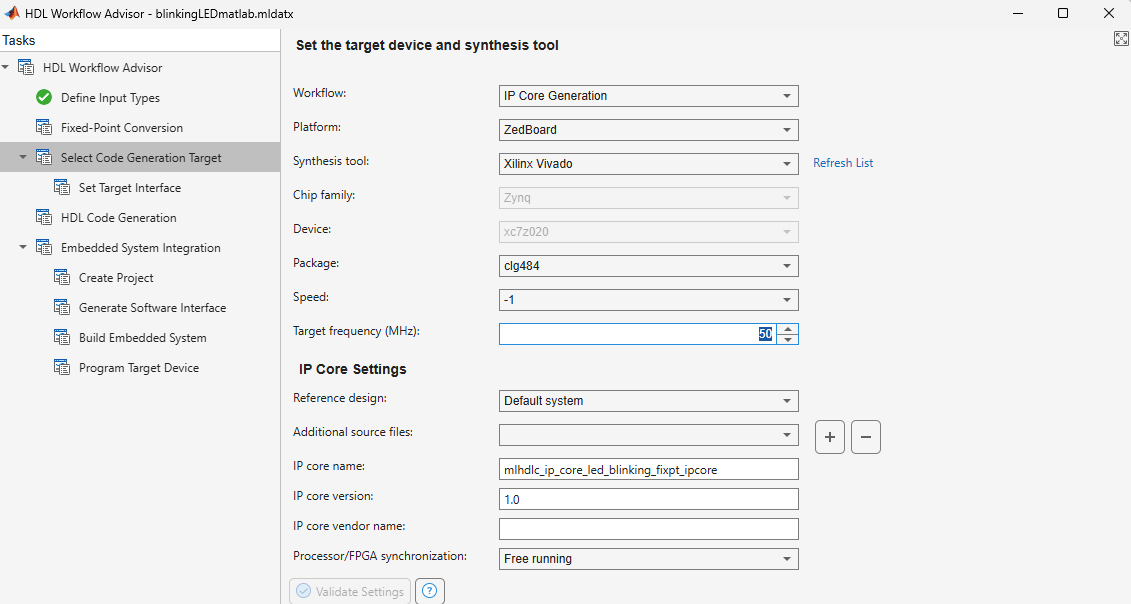
Get Started with IP Core Generation from MATLAB Function
Use the MATLAB® HDL Workflow Advisor to generate a customized IP core that blinks LEDs on an FPGA board. This example deploys the generated IP core on the ZedBoard hardware, but you can use any Xilinx® Zynq® platform or Xilinx FPGA with a MicroBlaze processor.

