La traduction de cette page n'est pas à jour. Cliquez ici pour voir la dernière version en anglais.
Déploiement
R2025bMATLAB Coder™ Support Package for NVIDIA® Jetson™ and NVIDIA DRIVE® Platforms vous permet de déployer votre fonction MATLAB sur le hardware. La fonction est déployée sous forme d’exécutable autonome qui continue de s’exécuter même si la connexion temps réel entre le hardware et l’ordinateur hôte prend fin.
Fonctions
Rubriques
MATLAB
- Build and Run an Executable on NVIDIA Hardware
Build and run an executable on NVIDIA hardware. - Build and Run an Executable on NVIDIA Hardware Using GPU Coder App
Use GPU Coder™ app to build and run an executable on NVIDIA hardware. - Read Video Files on NVIDIA Hardware
Generate CUDA® code for reading video files on the NVIDIA target by using thevideoReaderfunction. - Stop or Restart an Executable Running on NVIDIA Hardware
Stop or restart an executable running on the hardware. - Processor-in-the-Loop Execution from Command Line
Use PIL execution to verify the numerical behavior of the generated code at the MATLAB command line. - Processor-In-The-Loop Execution with the GPU Coder App
Use the GPU Coder app to verify the numerical behavior of the generated code. - Execution-Time Profiling for PIL
Why measure execution times for code generated from entry-point functions.
Simulink
- Targeting NVIDIA Embedded Boards
Build and deploy to NVIDIA GPU boards. - Numerical Equivalence Testing (GPU Coder)
Compare results from model and generated code simulations. - Parameter Tuning and Signal Monitoring Using External Mode (GPU Coder)
Tune parameters and monitor signals through a TCP/IP communication channel between development computer and target hardware. - Execution-Time Profiling for NVIDIA Jetson Platforms in Simulink
Generate an execution-time profile to profile generated code on NVIDIA Jetson platforms.
Sélection d՚exemples
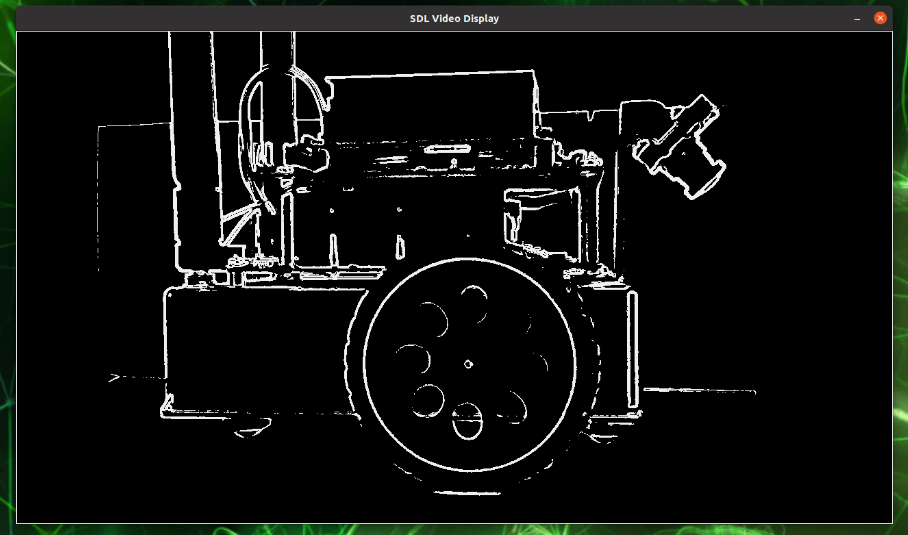
Deploy an Edge Detection Application to Target ARM Cores of NVIDIA Jetson
Perform edge detection using NVIDIA Jetson on video captured by a connected camera.
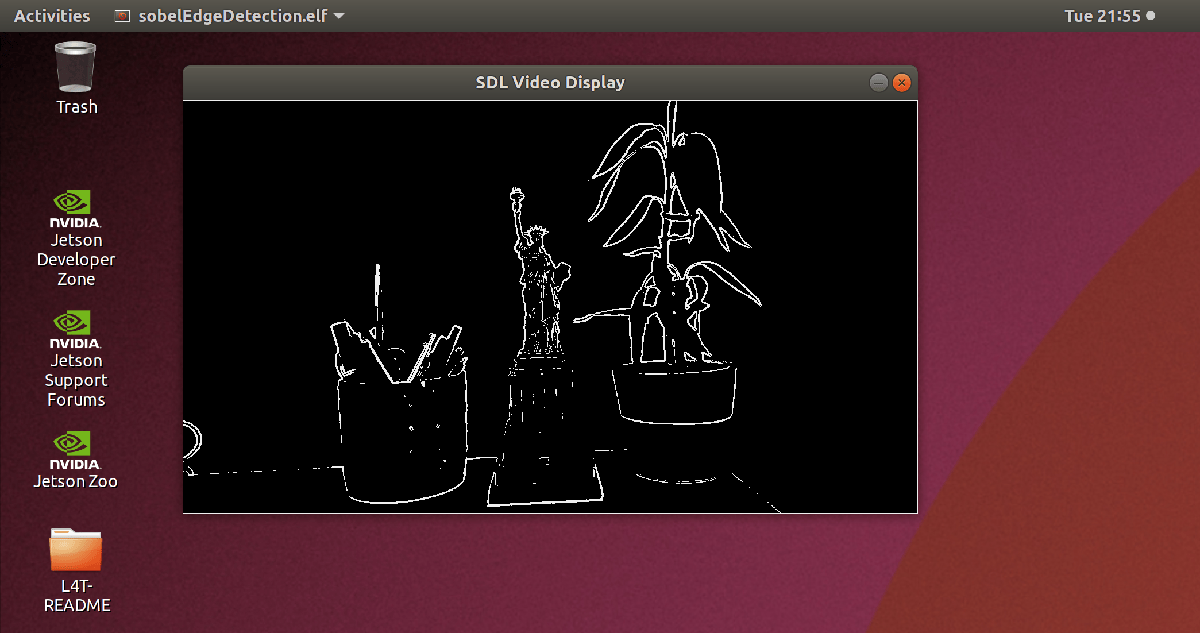
Deploy and Run Sobel Edge Detection on NVIDIA Jetson
This step of the example shows how to deploy a MATLAB® function onto an NVIDIA® Jetson™ board. You generate CUDA® code that takes snapshots using a webcam on the Jetson board, detects edges in the snapshots, and displays the output on the Jetson board. The Jetson board runs the code without using MATLAB.
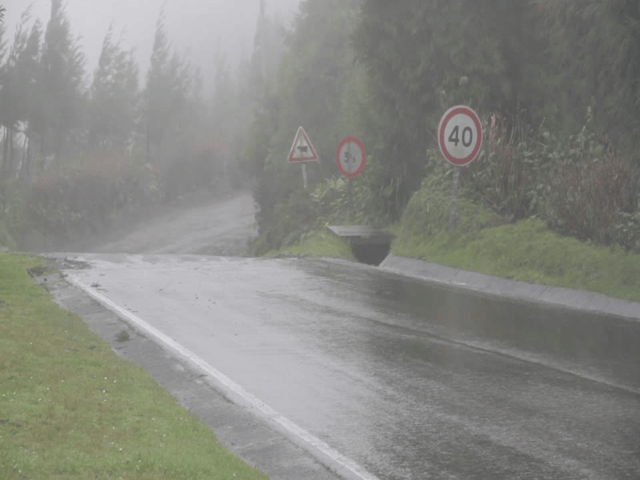
Processor-in-the-Loop Execution on NVIDIA Targets Using GPU Coder
How the MATLAB® Coder™ Support Package for NVIDIA® Jetson™ and NVIDIA DRIVE® Platforms enables GPU Coder™ to run PIL execution on NVIDIA DRIVE and Jetson hardware platforms. This example uses the GPU Code generation for fog rectification example from GPU Coder to demonstrate PIL execution. For more information, see Generate GPU Code for Fog Rectification Algorithm (GPU Coder).
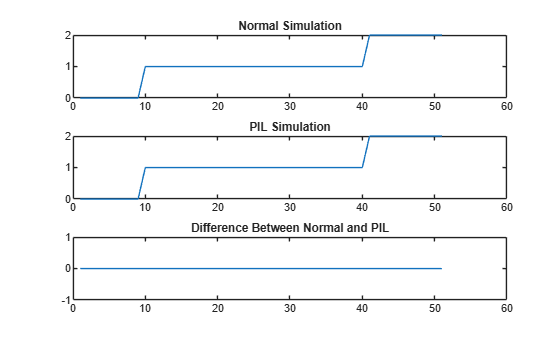
Verify Generated Code on NVIDIA Targets Using PIL in Simulink
Compare Simulink® simulations to processor-in-the-loop (PIL) simulations on NVIDIA Jetson.
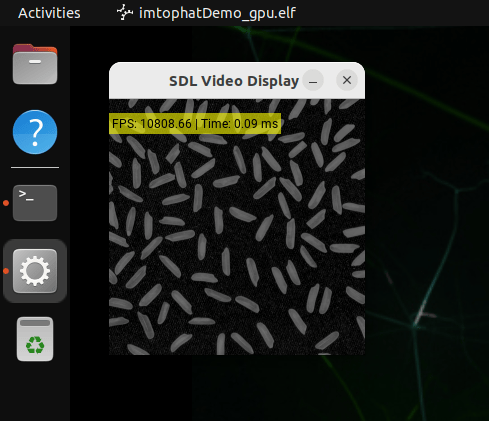
Deploy and Run Top-Hat Filtering on NVIDIA Jetson Orin Nano
Generate a standalone application that filters and displays an image on NVIDIA Jetson.
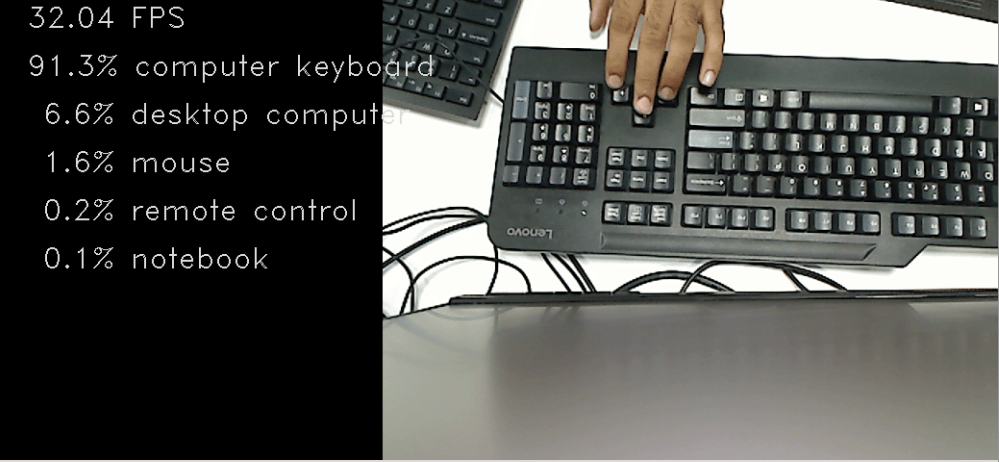
Deployment and Classification of Webcam Images on NVIDIA Jetson TX2 Platform
Generate CUDA® code from a DAGNetwork object and deploy the generated code onto the NVIDIA® Jetson® TX2 board using the MATLAB® Coder™ Support Package for NVIDIA Jetson and NVIDIA DRIVE® Platforms. This example uses the resnet50 deep learning network to classify images from a USB webcam video stream.
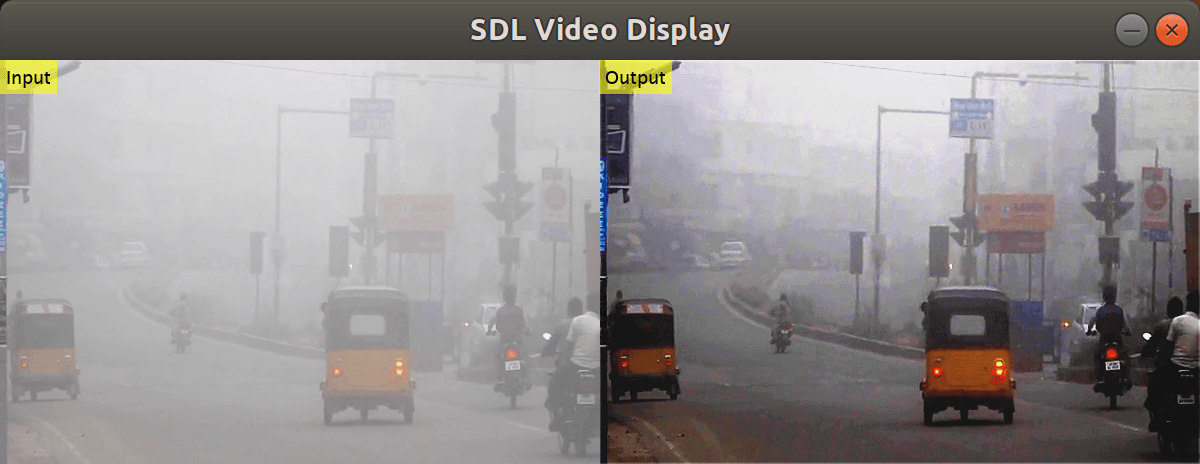
Deploy and Run Fog Rectification for Video on NVIDIA Jetson
Generate and deploy a CUDA® executable for a video-based fog rectification application. The example shows the deployable code generation capabilities that the MATLAB® Coder™ Support Package for NVIDIA® Jetson™ and NVIDIA DRIVE™ Platforms provides for the MATLAB VideoReader function. This example generates a CUDA application that reads the contents of a video file, performs fog rectification, and displays the output video on the NVIDIA hardware.
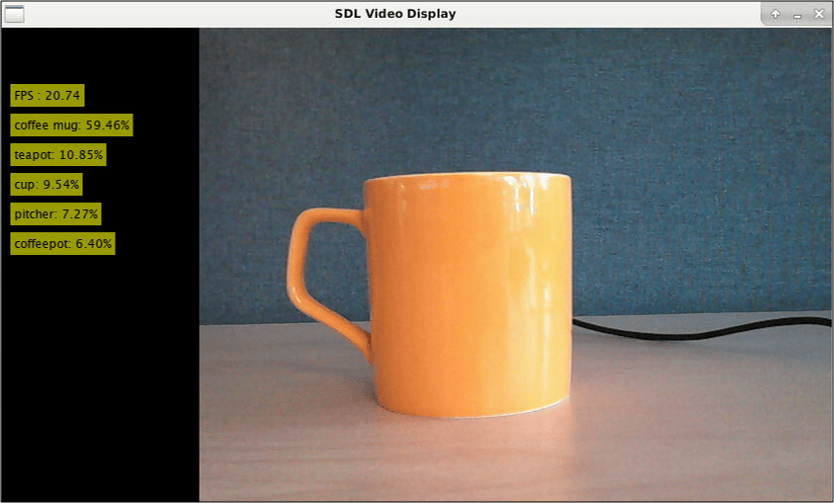
Deploy and Classify Webcam Images on NVIDIA Jetson Platform from Simulink
Deploy a Simulink® model on the NVIDIA® Jetson™ board for classifying webcam images. This example classifies images from a webcam in real-time by using the pretrained deep convolutional neural network, ResNet-50. The Simulink model in the example uses the camera and display blocks from the MATLAB® Coder™ Support Package for NVIDIA Jetson and NVIDIA DRIVE™ Platforms to capture the live video stream from a webcam and display the prediction results on a monitor connected to the Jetson platform.
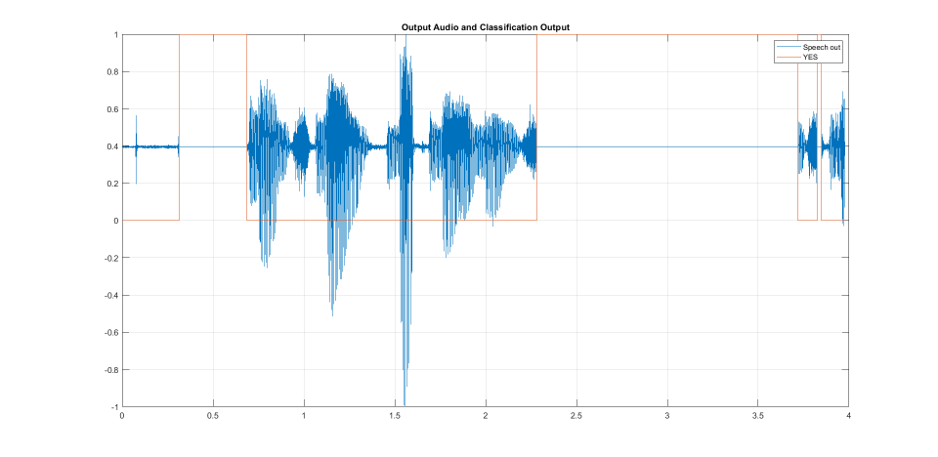
Keyword Spotting in Audio Using MFCC and LSTM Networks on NVIDIA Embedded Hardware from Simulink
Deploy a Simulink® model on the NVIDIA® Jetson™ board for keyword spotting in audio data. This example identifies the keyword(YES) in the input audio data using Mel Frequency Cepstral Coefficients (MFCC) and a pretrained Bidirectional Long Short-Term Memory (BiLSTM) network.
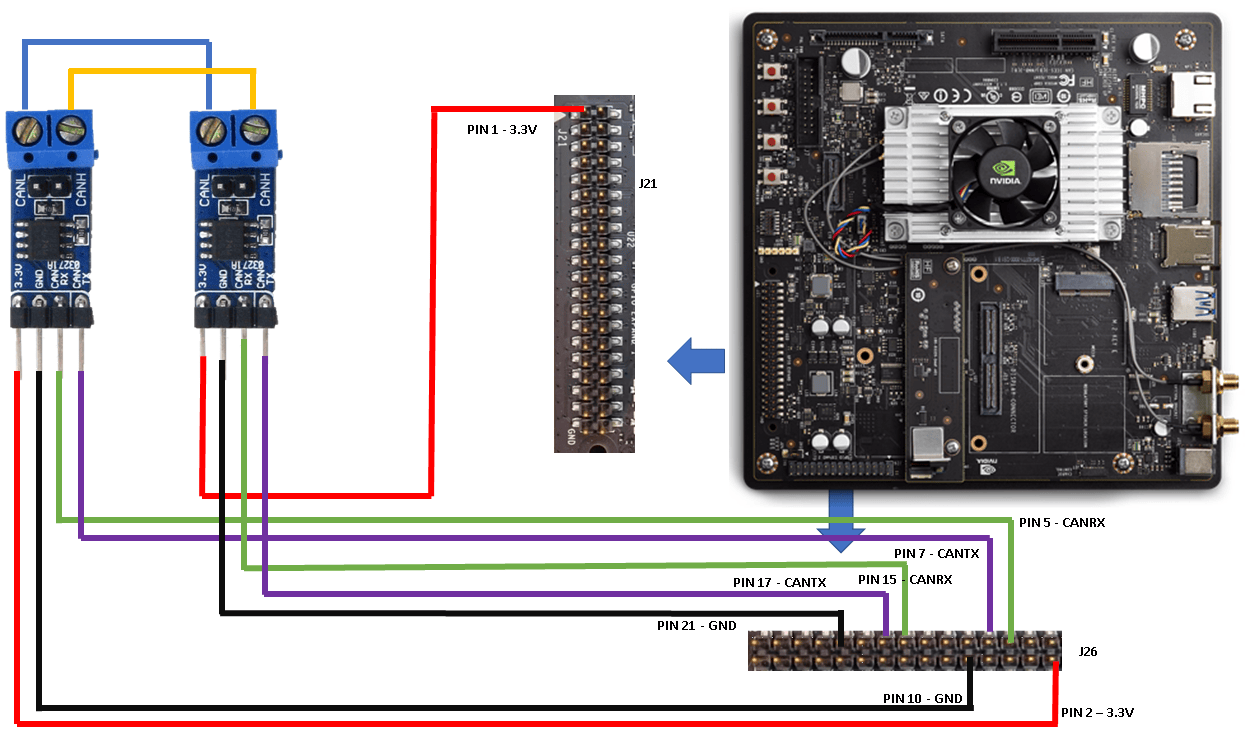
CAN Bus Communication on NVIDIA Jetson TX2 in Simulink
Deploy a Simulink® model that uses CAN communication for a deep learning application. The Simulink model in this example uses the CAN Transmit and CAN Receive blocks from the MATLAB® Coder™ Support Package for NVIDIA® Jetson® and NVIDIA DRIVE® Platforms to model a CAN bus system on the Jetson TX2 platform. The model uses the CAN bus to transmit the recognized traffic sign objects in a video frame from one CAN node to another CAN node.
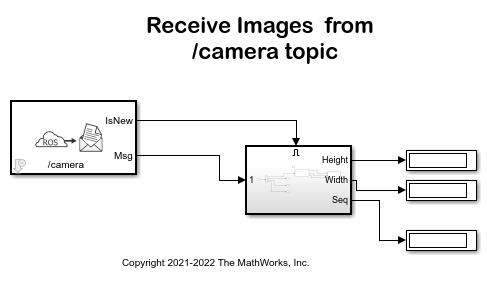
Stream Images from NVIDIA Jetson Xavier NX Using Robot Operating System (ROS)
Stream images captured from a webcam on NVIDIA® Jetson™ Xavier NX board to the host computer using ROS communication interface.
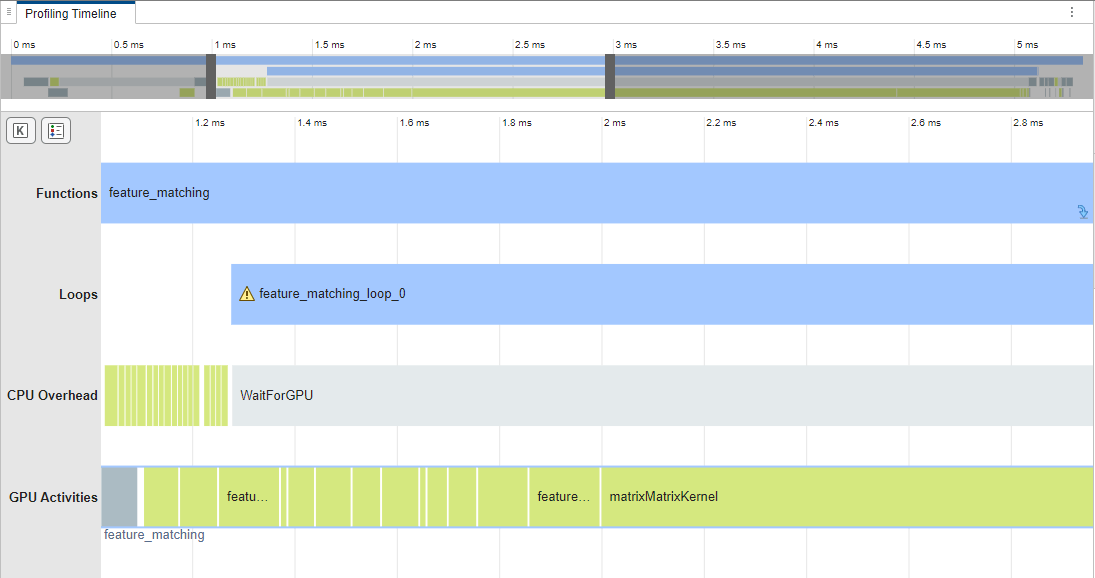
GPU Profiling on NVIDIA Jetson Platforms
Analyze the performance of generated CUDA code on the Jetson platform.

