La traduction de cette page n'est pas à jour. Cliquez ici pour voir la dernière version en anglais.
Spécification en virgule fixe dans Simulink
R2025bUtilisez fixdt et Simulink.NumericType pour spécifier des types de données à virgule fixe dans des modèles Simulink.
Fonctions
fixdt | Create Simulink.NumericType object describing a fixed-point or
floating-point data type |
Classes
Simulink.NumericType | Specify floating-point, boolean, or fixed-point data type |
Rubriques
- Fixed-Point Numbers in Simulink
Fixed-point data type and scaling notation used in Simulink.
- Display Fixed-Point Port Data Types and Values
Display signal data types and view signal values in different data type representations.
- Pass Fixed-Point Data Between Simulink Models and MATLAB
Import data from MATLAB® into your Simulink models and log fixed-point simulation data to the workspace.
- Configure Blocks with Fixed-Point Output
Create fixed-point models by configuring Simulink blocks to output fixed-point signals.
- Model Multiple Data Type Behaviors Using a Data Dictionary
Example showing how to use referenced data dictionaries to store multiple sets of data types for a model.
- Sharing Fixed-Point Models
Data type override settings for sharing and editing a model containing fixed-point blocks without the Fixed-Point Designer™ software.
- Data Type Support
Lists the data types supported by the API and discusses the treatment of integers and data-type-overridden signals.
Sélection d՚exemples
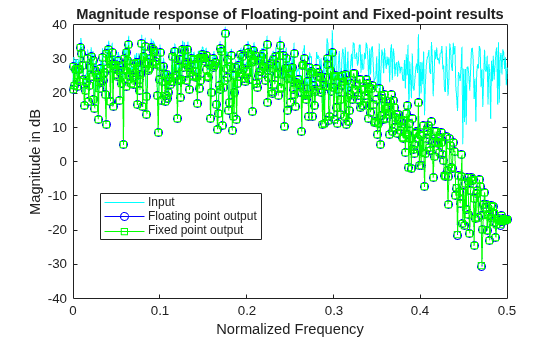
Develop Fixed-Point Algorithms
Develop and verify a simple fixed-point algorithm.

