wait
R2026bBlock MATLAB command line until ROI operation is finished
Syntax
Description
Examples
Read an image into the workspace.
I = imread('pout.tif');Display the image.
imshow(I)
Create an ROI on the axes. Click and drag the mouse to create the rectangular ROI.
roi = drawrectangle;
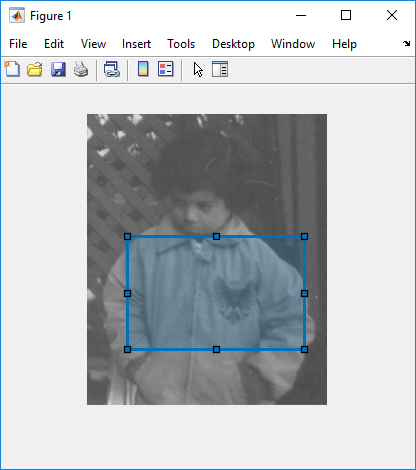
At the command line, view the value of the Position property of the ROI.
roi.Position
ans = 1×4

    57.0000    146.0000    141.0000    87.0000
Call the wait method of the ROI. This blocks the command line until an operation on the ROI completes. For example, you can move the ROI, reshape it, or rotate it (if you have enabled rotation). For this example, position the cursor inside the ROI, click and drag the ROI over the image to a new location. To indicate completeness, double-click the ROI.
wait(roi)
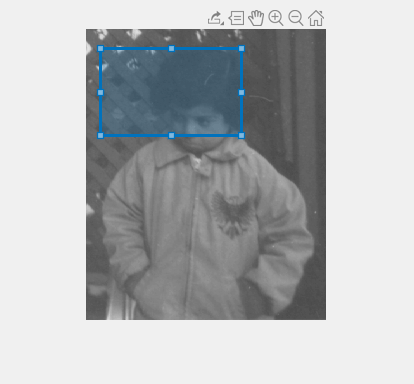
Back at the command line, check the value of the ROI's Position property. You can see that the values have changed to represent the new position.
roi.Position
ans = 1×4

    15.0000    20.0000    141.0000    87.0000
Input Arguments
Version History
Introduced in R2019b

