Create Links to External Requirements
R2026bAssociate designs with requirements in third-party applications by creating direct links. Create bidirectional traceability by adding backlinks to requirements in third-party tools. Check direct links for validity and consistency by using the Model Advisor.
Apps
| Requirements Editor | Create and edit requirements |
| Requirements Manager | Manage requirements and links in model |
| Profile Editor | Create and manage profiles with stereotypes and properties |
Functions
Classes
slreq.LinkSet | Work with link sets |
slreq.Link | Traceable link |
Methods
Objects
slreq.TextRange | Line range (Since R2022b) |
slreq.matrix.Configuration | Traceability matrix configuration (Since R2024a) |
slreq.matrix.Filter | Filter for traceability matrix (Since R2024a) |
Topics
Link to Requirements in Third-Party Applications
- Link Directly to Requirements in Third-Party Applications
Link directly from items in MATLAB® and Simulink® to requirements in third-party applications.
- Link Directly to Requirements in Microsoft Word Documents
- Link Directly to Requirements in Microsoft Excel
- Link and Trace Requirements with IBM DOORS Next
- Configure Requirements Toolbox for IBM DOORS Software
- Configure IBM DOORS Next for Integration with Requirements Toolbox
- Configure Requirements Toolbox for Interaction with Microsoft Office and IBM DOORS
- Document Path Storage
Learn how to specify the absolute or relative path for a requirement. - Define Custom Document Interface for Direct Linking to Requirements
Define a custom document interface to link directly to requirements in third-party applications that Requirements Toolbox™ does not have built-in support for. - Manage Navigation Backlinks in External Requirements Documents
Insert hyperlinks between external requirements documents and linked items in MATLAB or Simulink. - Navigate to Requirements in Microsoft Office Documents from Simulink
Navigate to requirements in Microsoft® Office documents by using navigation objects. - Navigate to Requirements in IBM DOORS Baselines
Configure Requirements Toolbox to navigate to requirements in read-only versions of IBM® DOORS® modules. - Synchronize Requirements Traceability in IBM DOORS by Using Surrogate Modules
Use surrogate modules to establish traceability from Simulink models to IBM DOORS requirements without modifying the requirements modules.
Check Links to Third-Party Applications
- Check Direct Links for Validity
Use Model Advisor checks to detect and resolve outdated and invalid direct links to requirements in third-party applications.
- Identify requirement links with missing documents
- Identify requirement links that specify invalid locations within documents
- Identify selection-based links having description fields that do not match their requirements document text
- Identify requirement links with path type inconsistent with preferences
- Identify IBM DOORS objects linked from Simulink that do not link to Simulink
Featured Examples
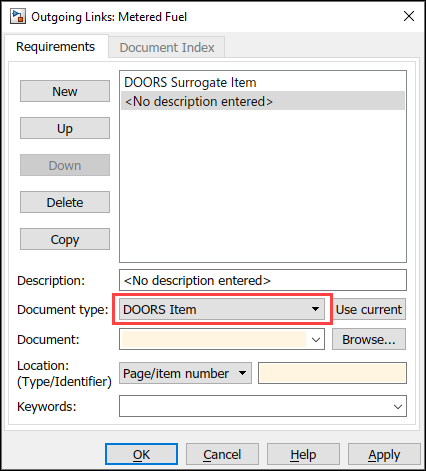
Managing Requirements for Fault-Tolerant Fuel Control System in IBM DOORS
The Requirements Management Interface (RMI) provides tools for creating and reviewing links between Simulink objects and requirements documents.
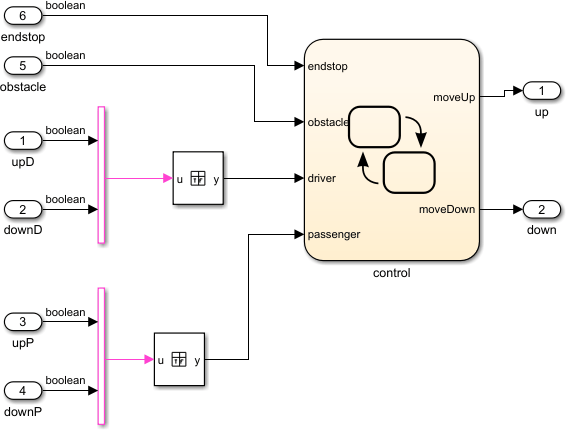
Use a Custom Document Interface to Link External Application Requirements
Requirements Management Interface (RMI) provides tools for creating and reviewing links between model-based design elements and requirements documents.
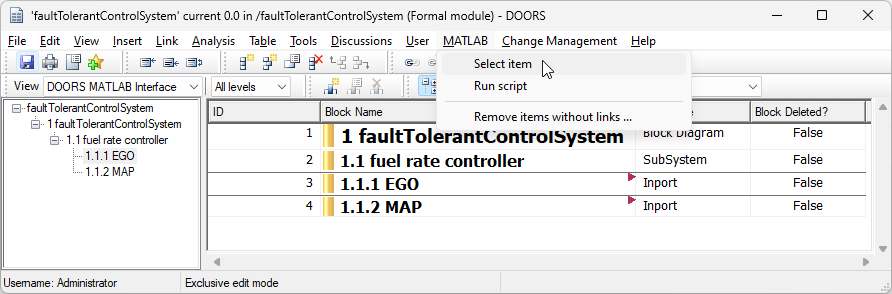
Create Surrogate Module for a Fault-Tolerant Control System
Use a surrogate module in IBM® DOORS® to create direct links from a Simulink® model to requirements in an IBM DOORS module, and how to navigate the links.

