Systems Engineering
R2026bFor systems engineering, use System Composer™ to model architectures and component behaviors that represent and simulate your system. The workflow in System Composer involves capturing stakeholder needs into system-level requirements and then using them to drive your architectural design. With System Composer, you can:
Compose an architecture model with components, ports, and connectors.
Extend the modeling language to capture metadata and style the architectural elements using stereotypes.
Define data, physical, or client-server interfaces on ports and use connectors to describe component interaction.
Capture component interface definitions, including port interfaces and instance-specific parameters.
Generate architecture views with query-based filters by using architectural data.
Use sequence diagrams to describe interactions between components as a sequence of message exchanges.
Establish directed relationships between functional, logical, and physical architectures using allocations.
Use activity diagrams to decompose your system into its functional behaviors and simulate activities to visualize and validate the flow of data through the system.
Perform analyses and trade studies to optimize your architectural design.
Use Simulink®, Stateflow®, and Simscape™ to describe component behaviors in an architecture model. Simulate the architecture model to validate system design in different stages of the design process.
Simulink Variant Manager™ provides tools to configure, manage, and analyze design variants within Simulink models and System Composer architectures. You can define variant configurations that represent specific combinations of design choices and apply system-wide constraints to prevent invalid variant combinations. You can also use Variant Analyzer to compare configurations and detect coverage gaps, and use Variant Reducer to generate standalone models for deployment or sharing with external teams. Simulink Variant Manager integrates with System Composer variant components for managing variability at the architecture level, with Simulink Test™ for systematic verification of variant combinations, and with Simulink Coverage™ for measuring test coverage across configurations.
By adding Requirements Toolbox™, you can define functional and design requirements and link them to System Composer components and ports. Use Requirements Toolbox together with Simulink Test to automatically verify requirements by creating links to test cases.
Assessing the safety and reliability of a system is a core part of systems engineering, in which you analyze how a design responds to component failures, identify hazards early in development, and assess whether the architecture satisfies safety requirements. By adding Simulink Fault Analyzer™, you can perform these activities on your architectures. Inject faults onto signals in System Composer models and simulate their effects to assess how your architecture responds to faults. Use the Safety Analysis Manager to conduct the systematic safety assessments that safety-critical development processes commonly involve, including tabular analyses such as Failure Mode and Effects Analyses (FMEAs) and Functional Hazard Assessments (FHAs), and tree-based analyses such as Fault Tree Analyses (FTAs). To maintain traceability from hazards through design to verification, use Requirements Toolbox to link faults and safety analysis artifacts to requirements, tests, and architectural elements.
With all of these tools, you can create, manage, and verify requirements for architecture-level design models throughout the lifecycle of your program.
Products for Systems Engineering
System Composer
Design, analyze, and simulate system and software architectures
Requirements Toolbox
Author, link, and validate requirements for designs and tests
Simulink Variant Manager
Configure, manage, and analyze variants
Simulink Fault Analyzer
Model faults and analyze effects
Topics
Model-Based Systems Engineering
- Choose Architecture Template for System Design (System Composer)
Select an architecture template based on domain-specific extensions. - Compose and Analyze Systems Using Architecture Models (System Composer)
Define architectures, add metadata, perform analyses, view component dependencies, and implement behaviors. - Describe System Behavior Using Activity Diagrams (System Composer)
Learn about and interact with activity diagrams in System Composer. - Describe System Behavior Using Sequence Diagrams (System Composer)
Describe model behaviors through interactions with sequence diagrams in System Composer.
System Architecture Modeling
- Compose Architectures Visually (System Composer)
Create architecture models using built-in model element types, such as components, ports, and connections. - Decompose and Reuse Components (System Composer)
Configure components for reuse across models. - Define Port Interfaces Between Components (System Composer)
Learn about port interfaces that define the connections between components. - Extend System Composer Language Elements Using Profiles (System Composer)
Extend architectures by defining stereotypes in profiles to apply to model elements with property values.
Requirements and Tests
- Author Requirements in MATLAB or Simulink (Requirements Toolbox)
Create requirements and define the requirement hierarchy with MATLAB® or Simulink. - Allocate and Trace Requirements from Design to Verification (System Composer)
Link, trace, manage, verify, and validate requirements. - Create and Store Links (Requirements Toolbox)
Trace requirements to design and test items by creating links. - Validate Requirements for Machine Cooling System Architecture (System Composer)
Validate requirements using a machine cooling example. - Analyze Requirements Table Blocks for Requirements Specification Problems (Requirements Toolbox)
Use Simulink Design Verifier™ to validate Requirements Table blocks. (Since R2022a) - Review Requirements Verification Status (Requirements Toolbox)
Use the requirements verification status to check test and analysis results linked to your requirements.
Variant Management
- Simulink Variant Manager Basics (Simulink Variant Manager)
Manage variants in Simulink models. - Variant Configurations (Simulink Variant Manager)
Use variant configurations to represent combination of variant choices across model hierarchy. - Create and Activate Variant Configurations (Simulink Variant Manager)
Create and activate variant configurations for a model. - Reduce Variant Models Using Variant Reducer (Simulink Variant Manager)
Generate reduced models that contain a subset of the available variant configurations. - Run Tests for Variant Models Using Variant Configurations (Simulink Variant Manager)
This example shows how to run tests for a variant model using variant configurations.
Component Behavior
- Implement Component Behavior Using Simulink (System Composer)
Associate components with behavior models in Simulink. - Implement Component Behavior Using Simscape (System Composer)
Associate components with physical behavior in Simscape. - Implement Component Behavior Using Stateflow Charts (System Composer)
Associate components with state machine behavior in Stateflow.
Analysis, Trade Studies, and Views
- Analyze Architecture (System Composer)
Perform static analysis on a System Composer architecture to evaluate characteristics of the system. - Analysis Function Constructs (System Composer)
Perform roll-up, class-based, allocation-based, remaining useful life, and variant analysis. - Simple Roll-Up Analysis Using Robot System with Properties (System Composer)
Perform a simple roll-up analysis for a robot using System Composer analysis tools. - Create Custom Views Using Architecture Views Gallery (System Composer)
Create and modify views using the Architecture Views Gallery tool.
Fault Modeling and Safety Analysis
- Define and Model Faults (Simulink Fault Analyzer)
Add faults to a Simulink model, configure their properties, and observe their impact on model behavior through simulation. - Specify Fault Properties (Simulink Fault Analyzer)
Specify fault names, behaviors, trigger types, and other properties when creating faults or by using the Property Inspector. - Add and Simulate Faults in System Composer Models (Simulink Fault Analyzer)
Add faults to System Composer components and simulate faults on component interactions. - Create Spreadsheets in the Safety Analysis Manager (Simulink Fault Analyzer)
Create a spreadsheet in the Safety Analysis Manager. - Write Callbacks to Analyze Safety Analysis Manager Spreadsheets (Simulink Fault Analyzer)
Use MATLAB to define code that executes automatically or manually to analyze spreadsheets in the Safety Analysis Manager. - Create Fault Trees in the Safety Analysis Manager (Simulink Fault Analyzer)
Create a fault tree in the Safety Analysis Manager. (Since R2026b) - Write Callbacks to Analyze Safety Analysis Manager Fault Tree Documents (Simulink Fault Analyzer)
Use MATLAB to define code that executes automatically or manually to analyze fault tree documents in the Safety Analysis Manager. (Since R2026b)
Featured Examples
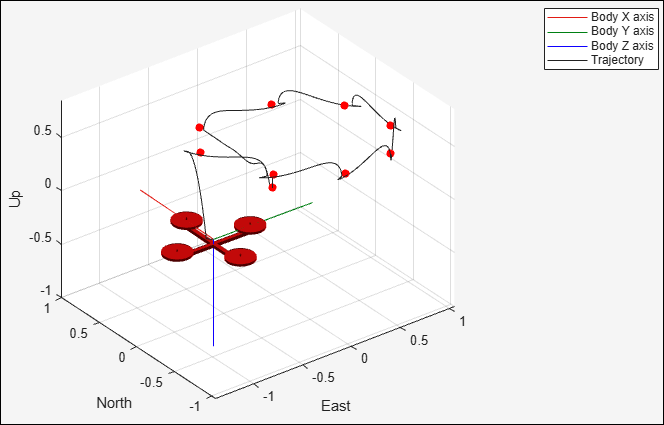
Develop and Verify a Quadcopter System Architecture
Design quadcopter to follow trajectory with systems engineering approach.
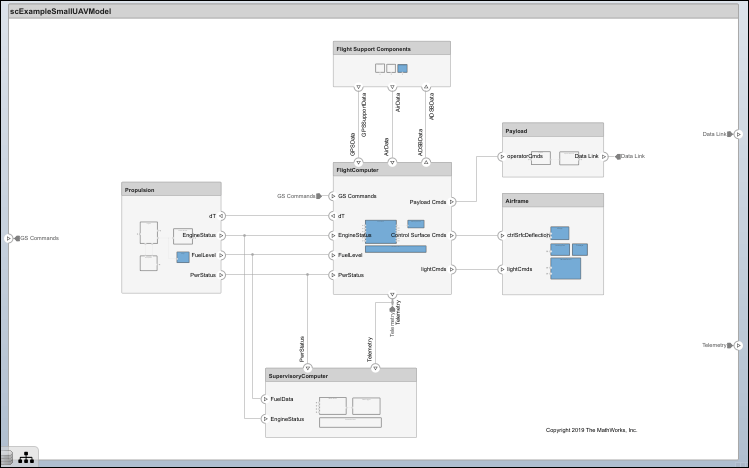
Modeling System Architecture of Small UAV
Set up and refine the architecture of a small unmanned aerial vehicle.
Generate System Architecture Reports with System Composer Report API
Full report generator script for architectures.
Simulate Mobile Robot with System Composer Workflow
Simulate a mobile robot architecture with a systems engineering workflow.
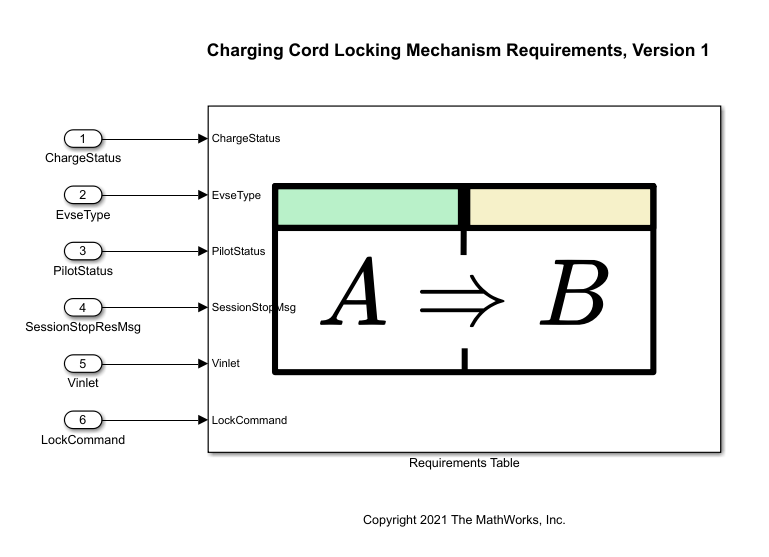
Analyze Formal Requirements of an Electric Vehicle Charger Locking Mechanism
Use a Requirements Table block and Simulink Design Verifier to construct, analyze, and update formal requirements of an electric vehicle charging station locking mechanism.
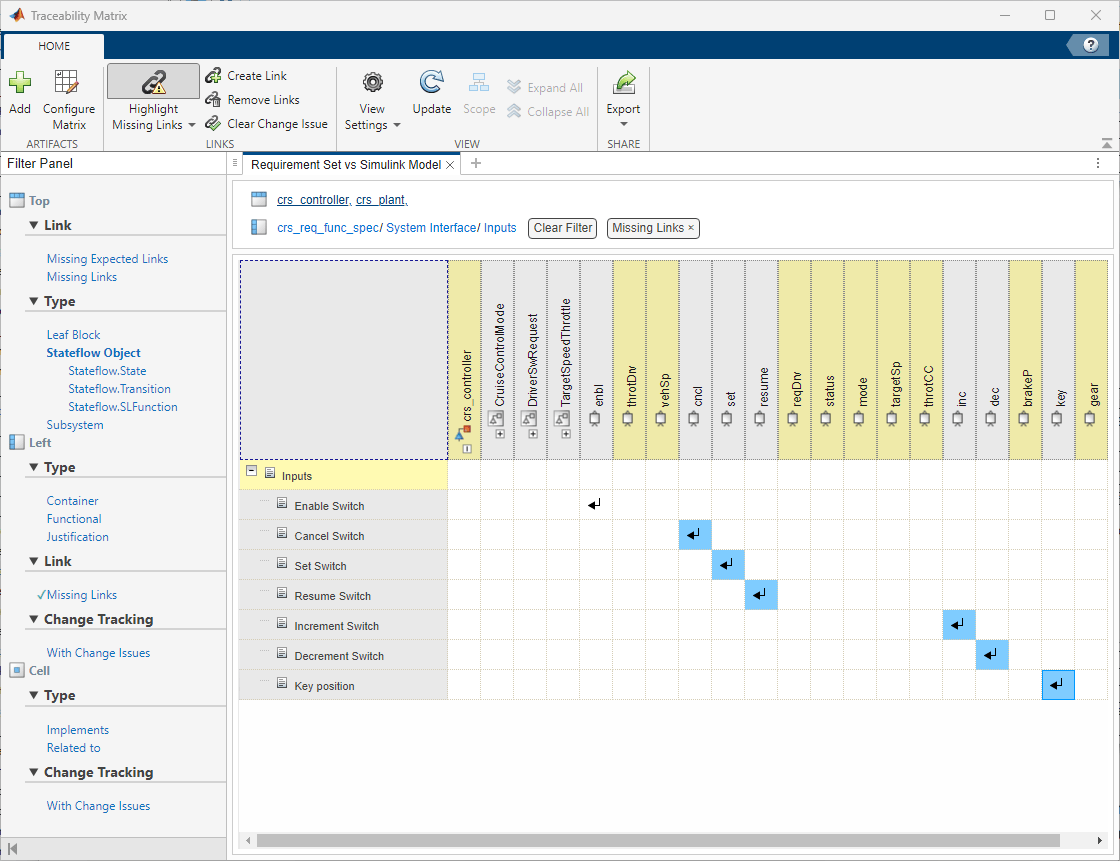
Make Requirements Fully Traceable with a Traceability Matrix
Identify requirements within a project that are unlinked and link them to Model-based Design items.
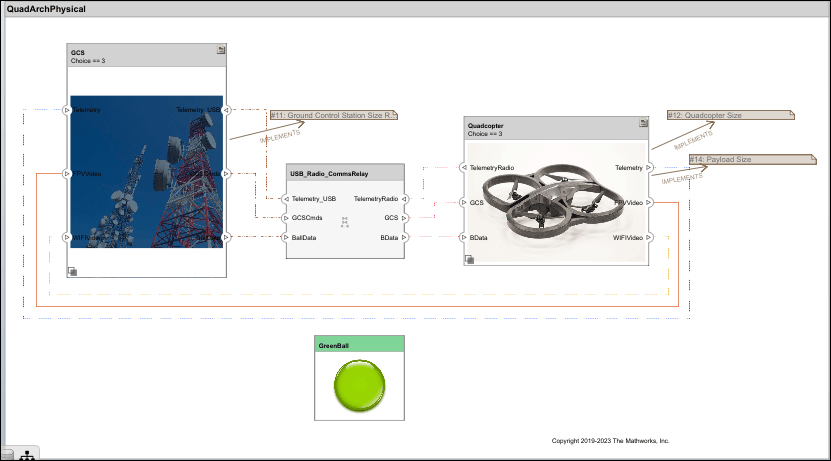
Calculate Endurance Using Quadcopter Architectural Design
Design quadcopter by calculating endurance using System Composer analysis.
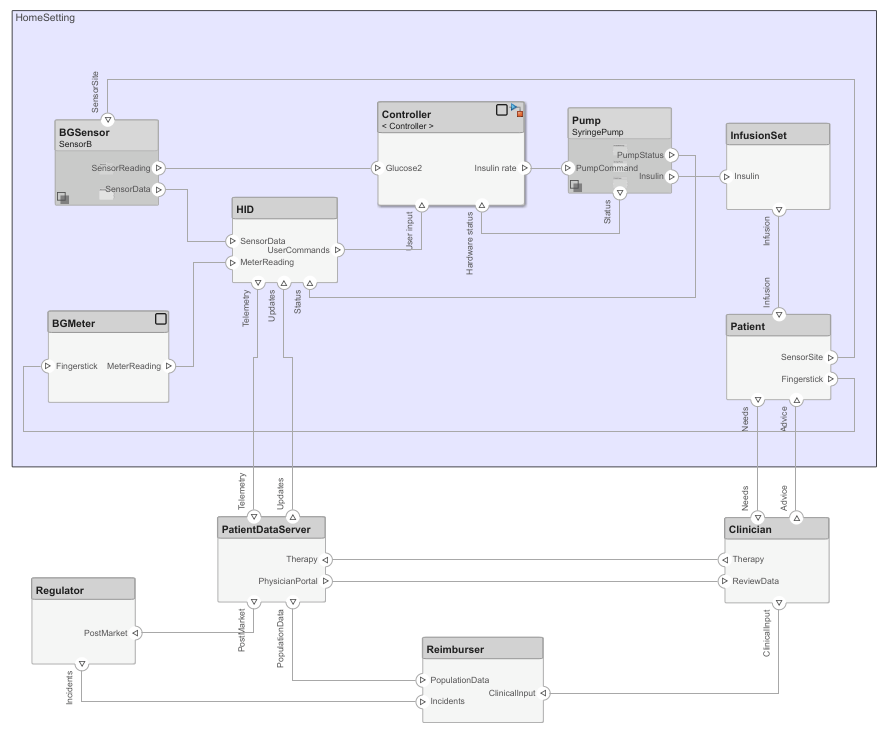
Design Insulin Infusion Pump Using Model-Based Systems Engineering
Design an insulin infusion pump with variant analysis using System Composer.
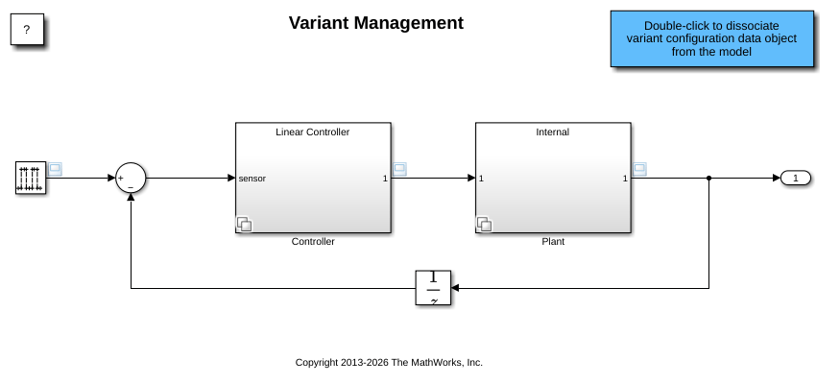
Manage, Configure, Reduce, and Analyze System Variants with Simulink Variant Manager
Gives an overview of the capabilities of the Simulink Variant Manager app in Simulink.
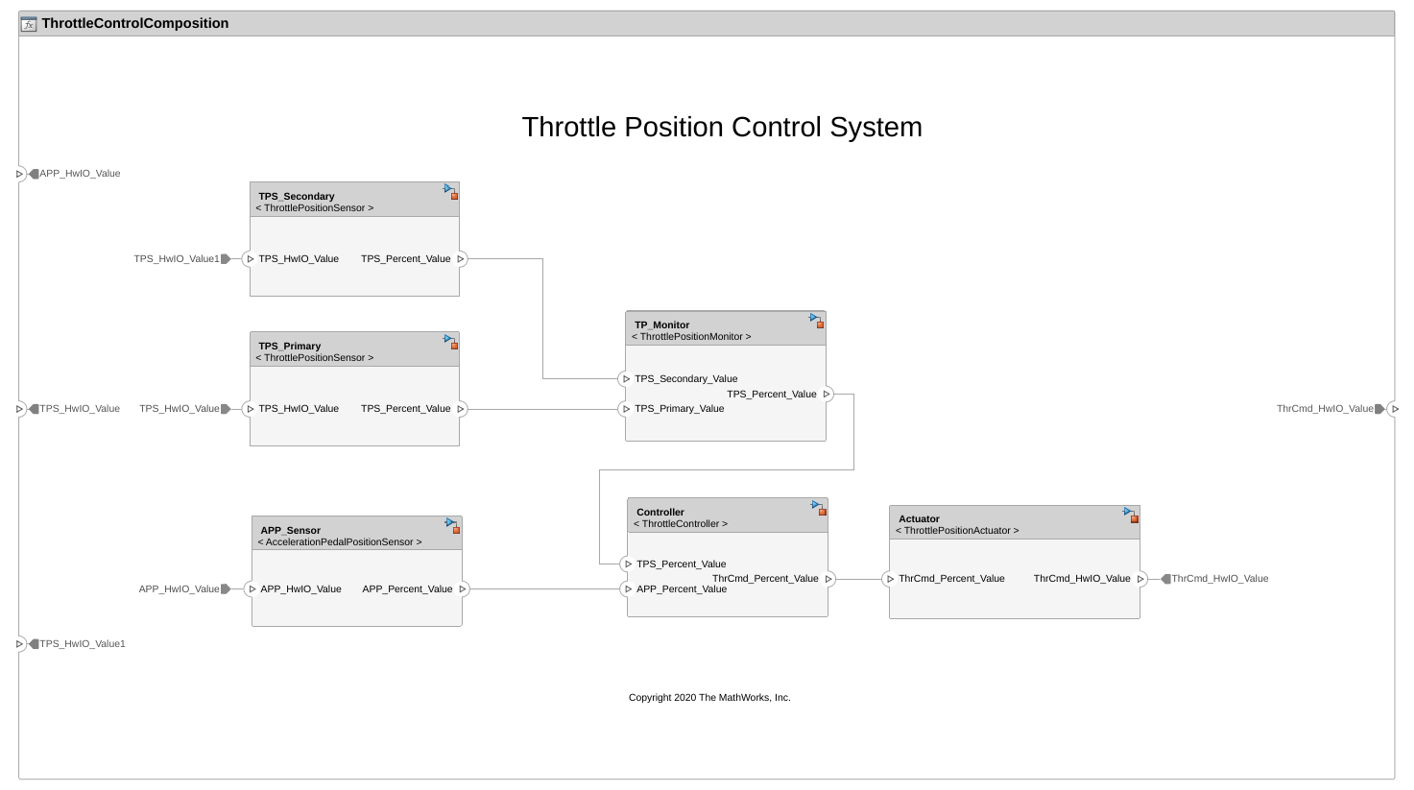
Model Software Architecture of Throttle Position Control System
Author the software architecture of a throttle position control system.
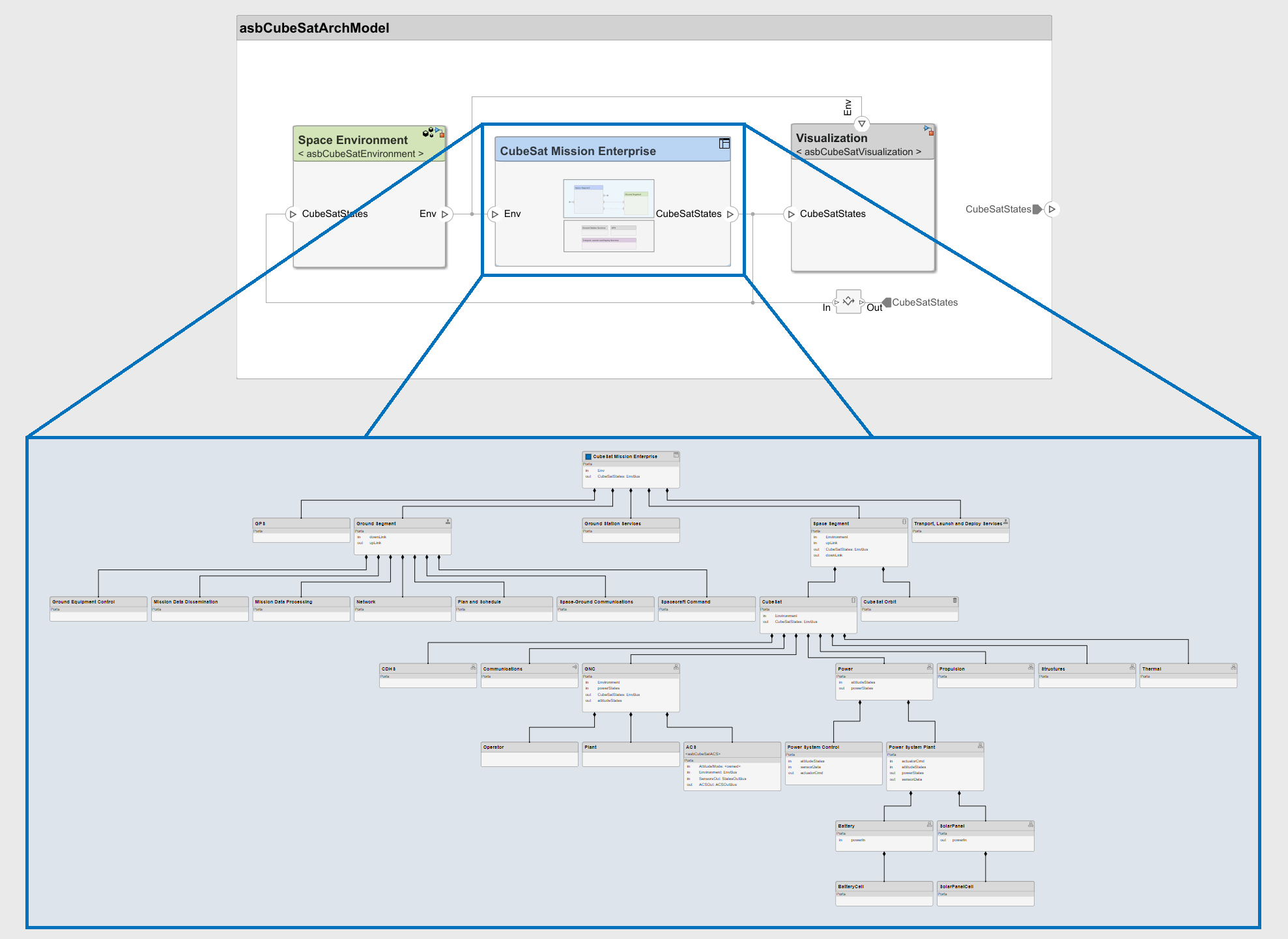
Model-Based Systems Engineering for Space-Based Applications
Explore the CubeSat model-based systems engineering project template.
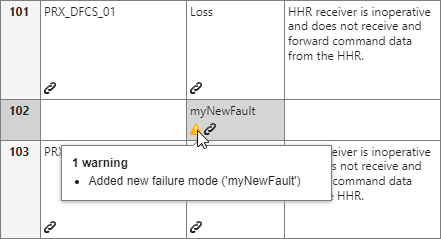
Perform a Failure Mode and Effects Analysis on a Rotorcraft UAV
Use the Safety Analysis Manager and MATLAB to construct safety properties in an FMEA and validate them for a UAV.
Interactive Learning
System Composer Onramp
Complete a free, self-paced, interactive course to help you get started
with System Composer.
Videos
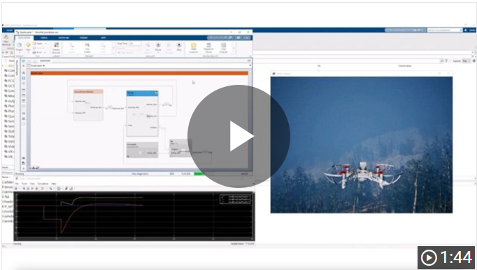
What Is System Composer?
System Composer is a Model-Based Systems Engineering tool for system and
software architecture design that allows you to decompose complex systems or
a system-of-systems into smaller, more manageable pieces.

What Is Systems Engineering?
This video covers what systems engineering is and why it’s useful. We will
present a broad overview of how systems engineering helps you develop
complex projects that meet program objectives in an efficient way.

Three Ways to Analyze Requirements Traceability in MATLAB
Requirements traceability analysis is the process of tracking the
connections between requirements and other aspects of the development
lifecycle, including design and testing. It ensures that every requirement
is accounted for, has a reason to exist, has been implemented correctly, and
has been verified through testing.
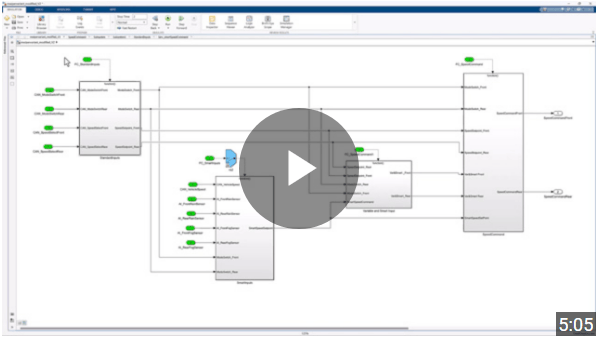
How to Use Simulink Variant Manager
Variant management is a method for managing product variation within
engineered systems. Simulink
Variant Manager helps you manage the complexity introduced by variants by
providing tools to configure, analyze, and reduce variant configurations
in your models.
Introducing Simulink
Fault Analyzer
Learn the fundamental concepts of Simulink
Fault Analyzer.

