UI Array
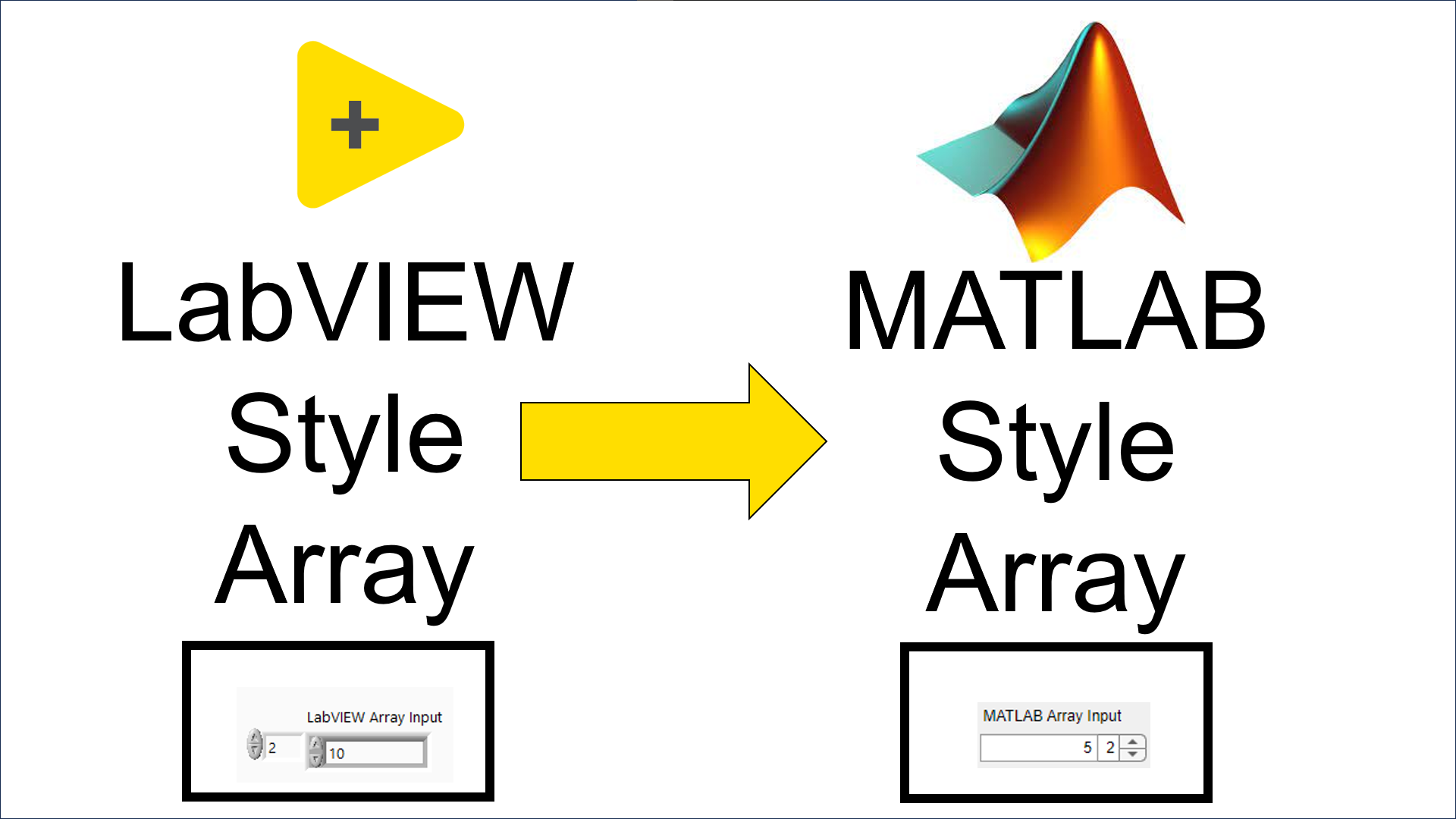
Inspired by LabVIEW, enables LabVIEW-style array input in MATLAB UI. Simplify array management with an intuitive and user-friendly Interface

Vous suivez désormais cette soumission
- Les mises à jour seront visibles dans votre flux de contenu suivi
- Selon vos préférences en matière de communication il est possible que vous receviez des e-mails
Citation pour cette source
Mehmed Saad (2026). UI Array (https://fr.mathworks.com/matlabcentral/fileexchange/157356-ui-array), MATLAB Central File Exchange. Extrait(e) le .
Informations générales
- Version (28,5 ko)
Compatibilité avec les versions de MATLAB
- Compatible avec les versions R2023a à R2024a
Plateformes compatibles
- Windows
- macOS
- Linux
| Version | Publié le | Notes de version | Action |
|---|---|---|---|
| 1.0.1 | Color of Array spinner changes with Edit field |
||
| 1.0.0 |

