ROI-Based Processing
R2026bA region of interest (ROI) is a portion of an image that you want to filter or
operate on in some way. You can represent an ROI as a binary mask image. In the
mask image, pixels that belong to the ROI are set to 1 and
pixels outside the ROI are set to 0. The toolbox offers
several options to specify ROIs and create binary masks.
The toolbox supports a set of objects that you can use to create ROIs of many shapes, such circles, ellipses, polygons, rectangles, and hand-drawn shapes. After you create the objects, you can modify their shape, position, appearance, and behavior. For more information about the ROI shapes, see Choose Approach to Annotate ROIs in Images.
Functions
Topics
Specify ROIs
- Choose Approach to Annotate ROIs in Images
Discover tools for representing ROIs as geometric and hand-drawn shapes. - Specify ROI as Binary Mask
You can create a binary mask by selecting pixels based on intensity values or position, or by using binary segmentation techniques. - Create Binary Mask Using an ROI Function
This example shows how to create a binary mask using one of the ROI creation functions, such asdrawcircle, with the mask creation functioncreateMask. - Classify Pixels That Are Partially Enclosed by ROI
Learn how many Image Processing Toolbox™ functions classify pixels that are only partially within the boundaries of a region of interest.
Filter ROIs
- Sharpen Region of Interest in an Image
This example shows how to use masked filtering to increase the sharpness of a specific region of interest. - Apply Custom Filter to Region of Interest in Image
This example shows how to define your own function and mask to filter a region of interest. - Fill Region of Interest in an Image
The process of filling a region of interest involves replacing all pixels in the region by interpolating inward from the boundary of the region.
Create Interactive ROIs Using Events and Callback Functions
- Subsample or Simplify a Freehand ROI
This example shows how to subsample or reduce the number of points in aFreehandROI object. - Rotate Image Interactively Using Rectangle ROI
This example shows how to rotate an image by using a Rectangle ROI with a callback function that callsimrotatewhen you move the ROI. - Use Polyline to Create Angle Measurement Tool
This example shows how to create an interactive tool that displays the angle between three vertices in a polyline ROI. - Measure Distances in an Image
This example shows how to use line ROIs to measure distances in an image. - Use Wait Function After Drawing ROI
This example shows how to define a custom wait function that blocks the MATLAB® command line until you finish positioning a rectangle.
Featured Examples
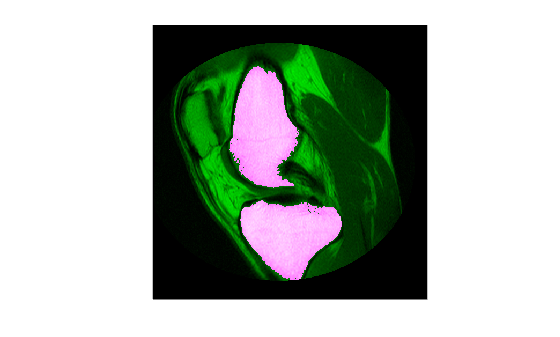
Use Freehand ROIs to Refine Segmentation Masks
Refine a logical segmentation mask by converting it into a Freehand ROI object. In this method, you take advantage of the interactive reshaping capability of the Freehand ROI object to make a better fit of the edge of the segmentation mask to the shape of the image region that you want to segment.
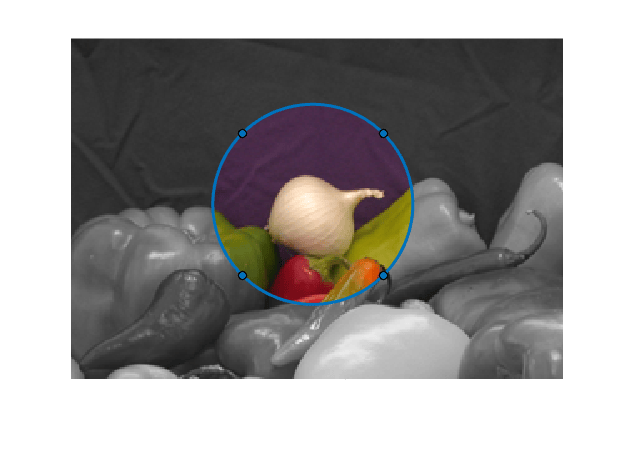
Create Image Comparison Tool Using ROIs
Use the new ROI functions to create an interactive image comparison tool. When working with images, we often need to assess visually the impact a function has on an image. Some effects are clearly distinguishable, like an edge filter. But some impacts are more subtle and need closer inspection.
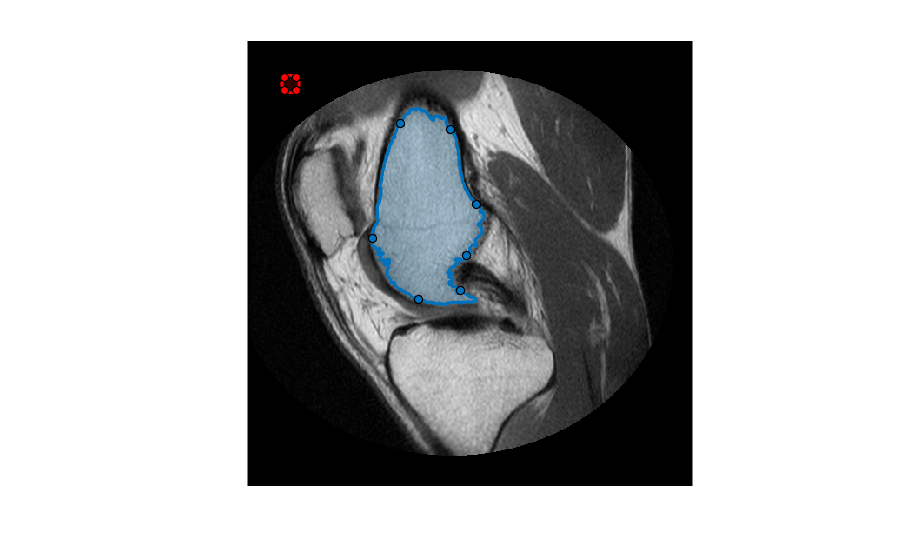
Create Freehand ROI Editing Tool
Create a simple tool to edit the shape of a freehand ROI using another ROI object. By default, Freehand
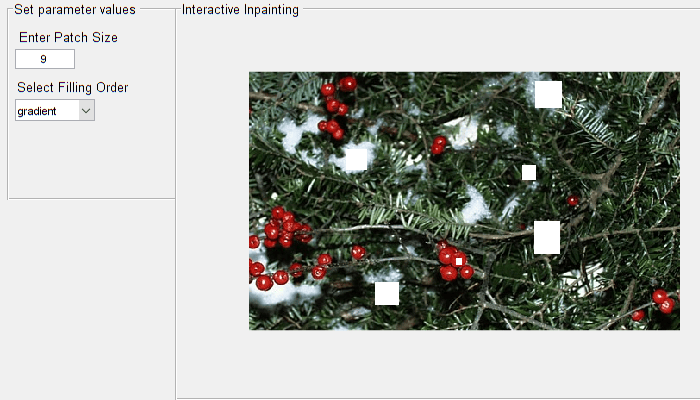
Interactive Image Inpainting Using Exemplar Matching
Interactively select image regions and inpaint the selected regions by using the exemplar based-matching method. Interactive inpainting allows you to select a region multiple times and perform inpainting iteratively to achieve the desired results.

