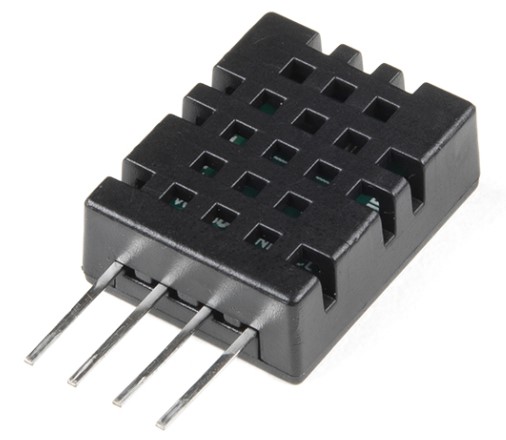
DHT20 Temperature and Humidity
MATLAB + Arduino I2C DHT20 Temperature and Humidity sensor support

Vous suivez désormais cette soumission
- Les mises à jour seront visibles dans votre flux de contenu suivi
- Selon vos préférences en matière de communication il est possible que vous receviez des e-mails
Citation pour cette source
Eric Prandovszky (2026). DHT20 Temperature and Humidity (https://fr.mathworks.com/matlabcentral/fileexchange/121792-dht20-temperature-and-humidity), MATLAB Central File Exchange. Extrait(e) le .
Remerciements
Inspiré par : MATLAB Support Package for Arduino Hardware
Informations générales
- Version (6,48 ko)
Compatibilité avec les versions de MATLAB
- Compatible avec les versions R2021a et ultérieures
Plateformes compatibles
- Windows
- macOS
- Linux
| Version | Publié le | Notes de version | Action |
|---|---|---|---|
| 0.7.1 | Updated to work with r2024+ where device.read() is no longer visible to the sensor class and the SupportedInterfaces property has been added. |
||
| 0.7.0 |

